Lead-to-revenue workspace
Turn every lead into a clear next action.
Bring Facebook Lead Ads, website enquiries and manual prospects into one smart sales workspace. Assign faster, follow up on time and know which campaigns create real revenue.
No registration required for demoBuilt for multi-user teams
EPipeline overview Live
Lead performanceLast 30 days
151015202530
Top sourcesMeta Lead Ads 56%Website 29%Direct / referral 15%
RK
Rohan KumarNew lead · Facebook
+10One connected sales system
Less chasing data. More moving deals forward.
Give sales representatives a focused daily workspace and give managers a dependable view of performance, sources and revenue.
Visual sales pipeline
Move leads through custom stages, assign owners and see every opportunity at a glance.
Meta Lead Ads
Connect authorised Facebook Pages and bring new lead-form submissions directly into your CRM.
Campaign analytics
Compare spend, impressions, clicks, leads, cost per lead and CRM conversions in one report.
Follow-up workspace
Schedule calls, tasks and reminders, keep notes, and preserve the full communication timeline.
Smart automation
Route leads, trigger tasks and reduce repetitive work with rules based on source, stage and priority.
Lead scoring
Prioritise the best opportunities using configurable scores, activity and engagement signals.
Team control
Set roles, ownership and permissions while managers monitor workload and response performance.
Import, export and API
Migrate spreadsheet data, export records and capture enquiries from websites or other systems.
How it works
A short path from connection to insight.
Connect
Sign in with Meta and authorise the business assets your organisation manages.
Choose
Select Pages, lead forms and advertising accounts relevant to your workspace.
Capture
Send new submissions into the right pipeline with source information attached.
Measure
Compare ad performance with follow-ups, conversions and won revenue.
Privacy by design
Your organisation’s data stays inside your organisation.
Esperto CRM uses Meta Platform Data only to provide the lead management and reporting features a client requests. Access is scoped per organisation and protected with role-based controls.
Ask about data handlingProtected access
Credentials and access tokens are stored securely and never exposed to other CRM clients.
Client separation
Users see only the business data and connected assets belonging to their organisation.
Client control
Clients can disconnect Meta, revoke permissions and request deletion of imported data.
No data selling
We do not sell Platform Data or use it for unrelated advertising purposes.
Connect sales with the rest of your business
Where does a CRM fit in company management?
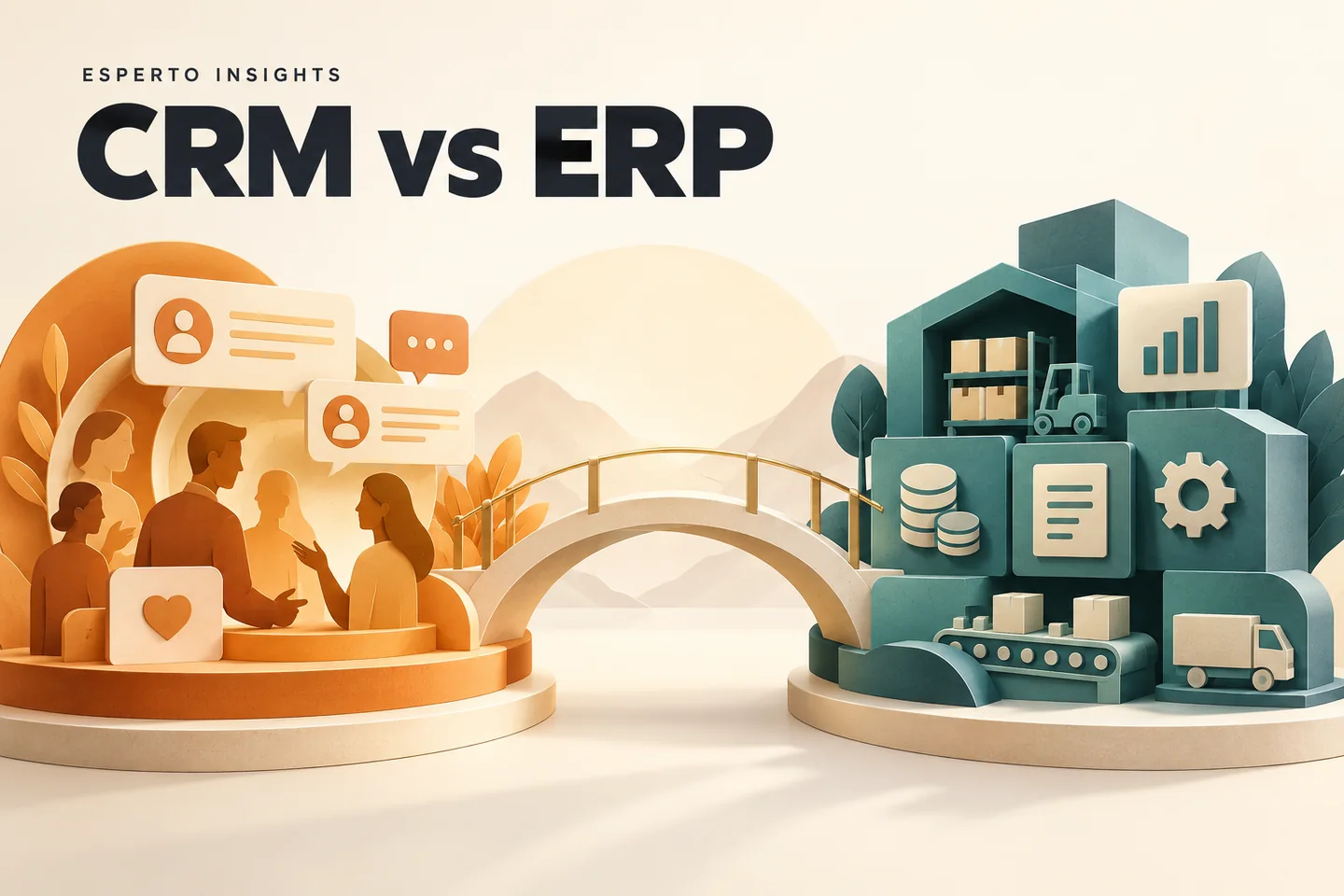
A CRM handles leads and customer follow-ups. Project delivery, billing and employee management may need other tools. Read our company management software guide to compare an all-in-one suite with separate connected systems. Our CRM vs ERP guide helps you decide what to implement first, and the WhatsApp-to-CRM workflow explains enquiry routing.
Frequently asked questions
Before connecting your lead sources.
Can each client connect their own Facebook account?+
Yes. Each organisation authorises its own Meta account, selects the Pages it manages and controls which lead forms are connected.
Can the CRM show Facebook advertising results?+
Yes. With the required Meta permissions, the dashboard can show campaign spend, impressions, reach, clicks, leads and cost per lead alongside CRM conversion and revenue data.
Does Esperto sell or share Meta Platform Data?+
No. Platform Data is used only to provide the connected CRM and reporting service requested by the client. It is not sold or used for unrelated advertising.
Can a client disconnect Meta and delete imported data?+
Yes. Clients can disconnect their integration, revoke access through Meta, and request deletion of imported Platform Data through the published deletion process.
Is this suitable for agencies and multi-team businesses?+
Yes. Organisation-level separation, role-based access, lead assignment and source reporting support agencies, sales teams and businesses handling multiple campaigns.
Ready for a clearer sales process?
Bring leads, follow-ups and campaign results into one workspace.
Related articles & practical guides
Explore workflows and buying considerations before choosing your software.