
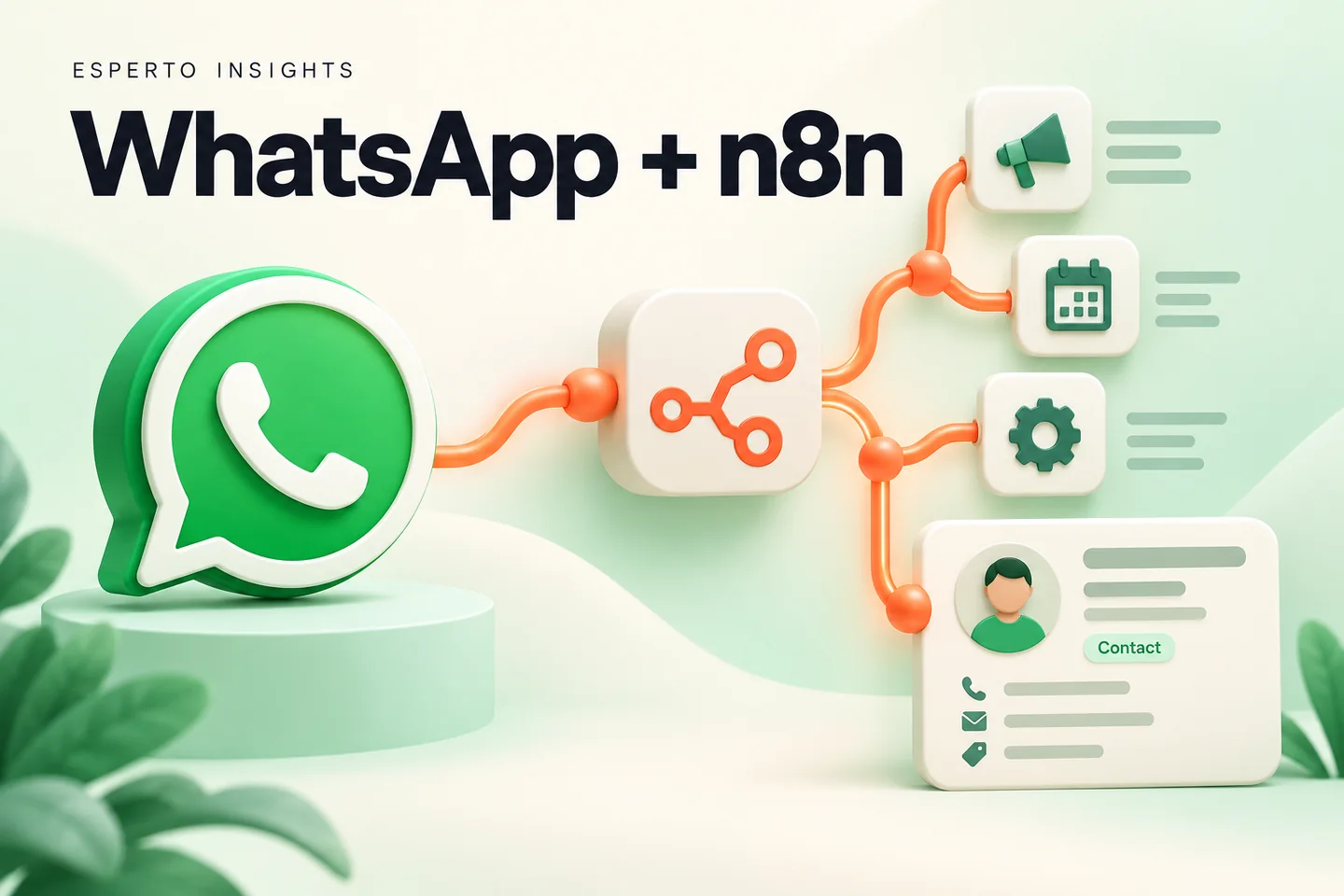
n8n WhatsApp automation connects a customer conversation to the work that should happen next. For a services business, that might mean creating a CRM lead, assigning an owner and notifying the team. The useful outcome is a reliable handover, not simply an automatic reply.
This is an implementation blueprint for an inbound enquiry workflow. It is not an importable, universally configured template: credentials, payload fields, CRM APIs and messaging permissions depend on your setup. Documentation was reviewed on 3 October 2026.
What n8n does—and what you still need
n8n’s WhatsApp Trigger can receive supported events. Its WhatsApp Business Cloud node provides messaging and media operations. These nodes coordinate API work; they do not by themselves provide a complete staffed customer-service inbox.
Before building, identify the business’s WhatsApp account and number arrangement, the CRM destination and the place where a person will take over. Compare managed inbox options in our WhatsApp automation tools guide if your team needs conversation assignment and supervision immediately.
Prepare accounts, credentials and a test environment
- An n8n environment with the required network access and a responsible administrator.
- A WhatsApp Business Platform setup suitable for the intended use, plus test contacts.
- Permissions to create or update the intended CRM records.
- A business-approved acknowledgement and a human escalation route.
- A place to retain processed event identifiers and operational status.
Follow the n8n WhatsApp credential documentation for the selected node. The action and trigger nodes have different authentication requirements. Keep credentials in the credential store rather than in spreadsheet cells, messages or exported example data.
Build the enquiry workflow in seven steps
1. Receive and classify the event
Configure the trigger for the supported message event and inspect a test execution. Separate inbound customer messages from delivery-status updates before creating leads. A status notification should update an existing message record, not become a new sales enquiry.
2. Create a small internal record
Map the actual payload into fields your workflow owns. Useful fields include the provider message ID, sender identifier, received time, message type, text when available and routing status. Handle an image or document deliberately rather than assuming every event contains a text body.
3. Prevent duplicate processing
Use the provider message identifier as a deduplication key where appropriate. In a production system, claim that key in persistent storage with a uniqueness constraint before taking irreversible actions. A lookup followed by an insert without concurrency protection can still race when two executions start together.
4. Find the customer before creating a new one
Normalise the sender identifier according to your CRM’s expected format, then search for an existing contact. Record the CRM identifier after creation. Decide how staff should handle ambiguous matches, such as several records sharing a business telephone number.
5. Record the enquiry and assign responsibility
Store a short summary, source, owner and next action. For an IT-company example, the first structured question might ask whether the prospect needs a website, integration or software project. This is a proposed workflow, not a report of customer results.
Use simple routing rules initially. If no salesperson qualifies, assign a fallback owner and make the exception visible. Our lead management software page explains the related sales workflow.
6. Reply within the applicable messaging rules
Use the appropriate supported message type and the current platform rules for the conversation. A later outbound follow-up may require an approved template. Check the WhatsApp Business Messaging Policy and your provider’s documentation; recording a lead is not blanket permission for future campaigns.
7. Record the outcome and hand off
Save the returned message identifier and update delivery state from subsequent events. Distinguish “accepted by the API” from “delivered.” When an agent takes over, record that state and stop automatic conversational replies until the handoff is explicitly released.
A data contract for the integration
| Field | Why it exists |
|---|---|
| event_id | Detect a repeated event. |
| contact_id | Link to the CRM’s existing customer record. |
| lead_id | Identify the current enquiry or opportunity. |
| assigned_owner | Show who must take the next action. |
| handoff_state | Prevent the bot and a person replying simultaneously. |
| outbound_message_id | Reconcile status notifications with a send attempt. |
These are suggested internal names, not literal keys guaranteed to appear in Meta’s payload. Map and validate them against the execution data for your integration.
Test failure cases before launch
Send the same sample event twice and verify that only one intended enquiry is created. Simulate a CRM timeout and confirm that staff can see the failure. Test a media message, an unknown service choice, an opted-out contact and a request to speak to a person.
n8n documents a particular testing trap: changing between test and production webhook URLs can overwrite the registered webhook for a WhatsApp app. Use a separate test arrangement where possible and verify production reception after testing; do not silently interrupt a live customer channel.
For recovery design, read our n8n workflow error guide. Avoid blind retries when a send request times out after the provider may already have accepted it. Record the attempt and reconcile its state before deciding to send again.
Do you need AI?
Not for every workflow. Start with explicit questions, routing rules and approved responses. If AI is added for classification or draft replies, define when the workflow must ask a person. Do not let a generated answer invent a quotation, delivery commitment or account-specific fact.
Compare the broader approach in n8n vs Make vs Zapier. For a scheduled spreadsheet process rather than an inbound conversation, see Google Sheets to WhatsApp automation.
Frequently asked questions
Does n8n replace the WhatsApp API?
No. It coordinates the workflow around a supported WhatsApp connection.
Can this run without a CRM?
A small pilot can store enquiry records elsewhere, but it still needs persistent deduplication, ownership and a way for staff to work the enquiry.
Can Esperto build and maintain it?
Our n8n implementation services and WhatsApp API integration services cover workflow and integration work. Share your current inbox, CRM and first use case so we can scope a practical pilot.