
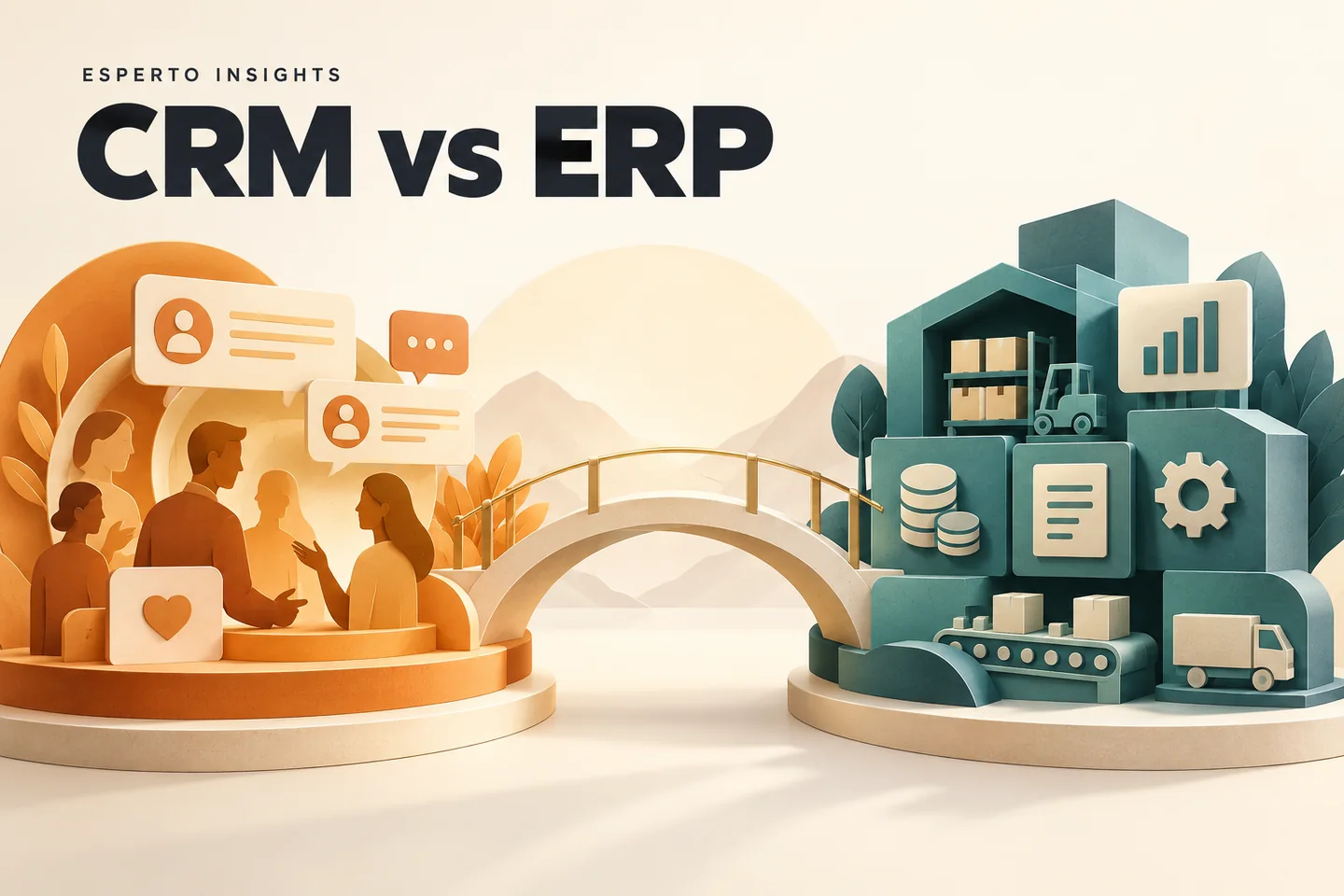
CRM vs ERP is primarily a decision about which business problem to solve first. A CRM organises customer relationships and sales work. An ERP connects operational records such as orders, purchasing, stock and finance. Some products cover both, but buying a larger suite does not automatically give a business a better process.
This guide uses an illustrative IT services company to explain the choice. The selection framework is Esperto’s practical recommendation, not a vendor benchmark or a promise of savings. Product capabilities should be checked against the edition and modules being quoted.
What is the difference between CRM and ERP?
CRM is generally centred on prospects, customers and their interactions; ERP coordinates operational processes across departments. Salesforce’s CRM and ERP explanation describes this distinction. The labels overlap in modern suites, so compare the actual workflow instead of assuming a product name tells you everything.
| Question | CRM emphasis | ERP emphasis |
|---|---|---|
| What needs attention? | Enquiries, opportunities, follow-ups and customer conversations | Orders, resources, purchases, stock and financial records |
| Who needs it daily? | Salespeople, account managers and customer-facing teams | Operations, finance, purchasing and delivery teams |
| Example record | A website lead with an owner and next action | An approved order with fulfilment and invoice status |
| Useful management question | Which opportunities have no next step? | Which orders cannot be completed or invoiced? |
| Common implementation challenge | Getting staff to record conversations consistently | Agreeing master data, permissions and cross-team processes |
An IT company example: from enquiry to payment
Imagine a small agency selling websites and support retainers. An enquiry arrives through a website form. A salesperson asks about scope, records an estimated budget and schedules a discovery call. Those are customer and opportunity tasks, so they belong naturally in a CRM.
After the proposal is accepted, the company needs a delivery plan, assigned people, milestone approval and invoices. A project system, finance application or ERP may manage these steps. The important boundary is the approved handover: what did the client buy, who approved it, what is due and when can finance invoice?
For this example, we would define one customer identifier, one approved scope reference and one owner for each milestone. Sales should see delivery status without being able to rewrite financial records. Finance should receive agreed billing details without retyping the proposal.
Use our company management software guide to compare suites and separate applications. If the immediate problem is the sales pipeline, review the workflows covered by lead management software.
When should you start with CRM?
- Enquiries sit in individual inboxes or personal chat accounts.
- Two staff members contact the same prospect without knowing it.
- Managers cannot see which proposals need follow-up.
- Returning customers have to explain their requirements again.
For a first release, define a small number of stages with clear exit conditions. “Qualified” should mean something observable, such as a confirmed requirement and an agreed next conversation. Make the next action and owner mandatory before introducing elaborate dashboards.
When does ERP become the more useful investment?
Consider ERP when the organisation needs several operational processes to use the same records. ERPNext’s official introduction provides an example of an ERP spanning multiple business functions. That does not mean every company needs every module.
Map the repeated failure first. If invoice data differs from delivery records, trace where the mismatch begins. If inventory is relevant, identify who records receipts and consumption. If the business sells only professional services, do not let a long manufacturing feature list dominate the buying decision.
Can you use separate CRM, HR and billing applications?
Yes, provided the boundaries are explicit. Separate tools can suit teams with different needs, but somebody must own the integration. A shared customer name is insufficient: names change, spellings differ and duplicates happen.
- Choose the system of record: decide which application owns each important field.
- Define the trigger: for example, create a delivery record only after a deal is approved.
- Record the link: store the other system’s record identifier.
- Handle updates: decide how cancellations and changed billing details travel.
- Plan recovery: make failed synchronisations visible and safe to retry.
Our backend and API development services cover this type of integration planning. For workflow-platform choices, read n8n vs Make vs Zapier.
A practical selection and rollout checklist
Give each shortlisted vendor the same scenario: receive an enquiry, qualify it, approve a quotation, hand it to delivery and raise an invoice. Ask a future daily user to complete the scenario. Record where they need a spreadsheet, administrator intervention or a paid extension.
| Before purchase | Evidence to request |
|---|---|
| Permissions | A demonstration using separate sales, finance and manager accounts |
| Data portability | A sample export with identifiers and attachments explained |
| Integrations | The supported API or connector, plan requirements and error handling |
| Operating cost | Licences, setup, migration, training, hosting and ongoing support |
| Success measure | A baseline and a target for one problem, such as unassigned enquiries |
Pilot one workflow with a small team before importing every historical record. Clean duplicates, document stage definitions and nominate a process owner. Expand only after users can complete the work and managers trust the records.
Frequently asked questions
Does a small company need both CRM and ERP?
Not necessarily. Start with the process that causes the most repeated work or lost visibility. Existing accounting and project tools may remain adequate while a CRM improves sales discipline.
Is ERP always more expensive?
No universal comparison is reliable. Scope, user count, migration, customisation and support determine the complete cost. Compare quotes for the same process and operating period.
Should we build our own system?
Evaluate existing products first. Custom development is easier to justify when a distinctive workflow cannot be handled acceptably through configuration or integration. Our custom web application service can help assess that gap.
Plan your next step
For two ERP options, continue with ERPNext vs Odoo. If you want help defining the process, send Esperto your current tools, team size and the workflow that keeps breaking. That gives a useful starting point for a requirements discussion.