
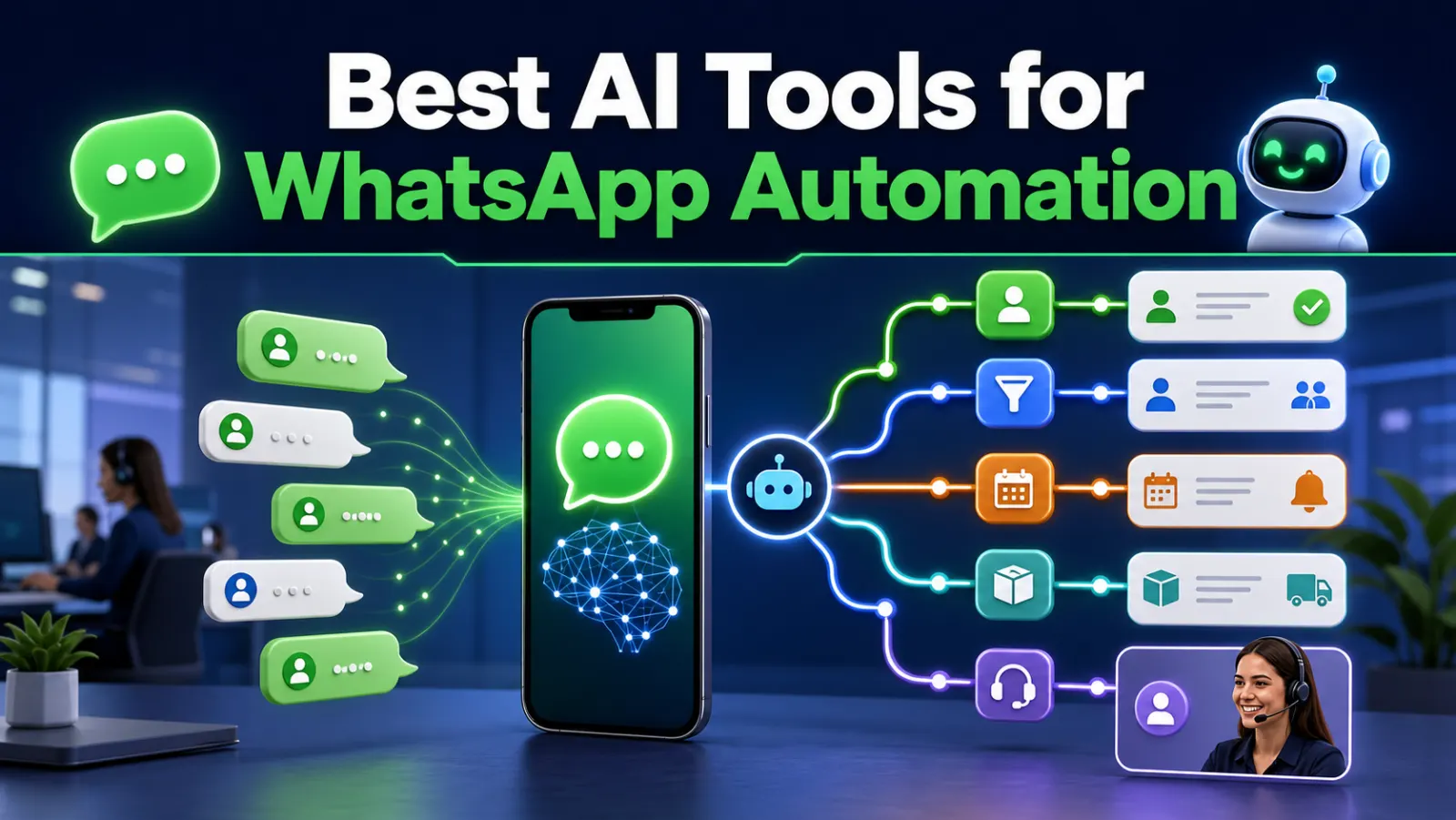
The right WhatsApp automation tool depends on whether a business needs a ready-made team inbox, a CRM-connected agent or a custom application built on the WhatsApp Business Platform. AI is only one layer. Production messaging also requires an approved business setup, customer opt-in, templates, webhooks, routing, delivery tracking and human escalation.
Which WhatsApp automation tool should you choose?
A WhatsApp automation tool handles repeatable messaging tasks such as routing enquiries, answering FAQs and updating a CRM. Some products include a staff inbox; others provide APIs or workflow building blocks. Choose the operating model first, then decide whether AI adds value.
- A sales or support team without developers: shortlist a managed inbox such as WATI or respond.io. Demonstrate assignment, supervisor access and human takeover before committing.
- A developer building a custom application: evaluate Meta Cloud API or Twilio. Include the cost of your inbox, application logic and monitoring.
- A business already using HubSpot: check whether its WhatsApp connection and customer agent fit your subscriptions and service workflow.
- Several systems must work together: consider n8n with an official WhatsApp API connection. It connects the steps; it does not replace a staff inbox or platform access.
You do not need generative AI for a fixed appointment reminder or a simple routing rule. Start with predictable steps and add AI only where interpretation or drafting is useful.
WhatsApp automation tools compared
| Option | Best fit | Strength | Responsibility |
|---|---|---|---|
| Meta Cloud API | Custom products and software platforms | Direct platform integration | You build inbox, logic, monitoring and AI |
| Twilio | Developer and multichannel teams | Messaging APIs, webhooks and tooling | You build the business application |
| respond.io | Sales and support teams | Shared inbox, automation and AI workflows | Configure governance and CRM flow |
| WATI | WhatsApp-focused SMB operations | Inbox, broadcasts, chatbot and automation | Validate plan, limits and integrations |
| HubSpot Breeze | HubSpot CRM organisations | Customer agent connected to CRM | Configure HubSpot and channel eligibility |
| n8n | Custom cross-system automation | APIs, AI, databases and approvals | Build and operate the workflow |
Updated 3 October 2026. This is a use-case comparison based on vendor documentation, not a hands-on ranking of every platform. Features, eligibility and pricing vary by plan; confirm them before buying.
1. WhatsApp Cloud API
Cloud API is the direct foundation for a custom WhatsApp automation. Incoming messages arrive through webhooks; the application can identify a customer, retrieve approved knowledge, call an AI model, create a lead and send a supported response. This route provides control but requires engineering, a staff inbox or handoff interface, monitoring and policy compliance.
2. Twilio for WhatsApp
Twilio provides WhatsApp access through programmable messaging and related communication products. Its documentation covers sending and receiving messages, webhooks, templates and a Sandbox for development. Twilio is useful when the team wants one provider across WhatsApp, SMS or other channels and developers will build the application logic.
3. respond.io
respond.io suits teams seeking a managed omnichannel inbox with routing, workflows and AI capabilities. Evaluate contact synchronisation, assignment, agent permissions, reporting, AI knowledge and the exact WhatsApp onboarding arrangement. It can reduce custom development for sales and support operations.
4. WATI
WATI focuses on WhatsApp-led customer communication, including shared inbox, automation and chatbot use cases. It can be attractive for smaller organisations that prefer configuration over building. Confirm template management, CRM integration, export access, AI usage limits and human handoff before selecting a plan.
5. HubSpot Breeze Customer Agent
HubSpot is relevant when WhatsApp conversations must use CRM and service context. Breeze Customer Agent is designed to support several customer channels, while HubSpot workflows can continue qualification and follow-up. Check the required HubSpot products, credits and WhatsApp connection before purchase.
6. n8n with WhatsApp
n8n is not a replacement for WhatsApp Business Platform access. It is an orchestration layer that can receive a webhook, classify the message, retrieve customer data, request approval, update a CRM and send a response through the chosen WhatsApp API. It is useful when the automation spans multiple internal systems.
High-value WhatsApp AI workflows
- Answer approved FAQs and transfer uncertain questions.
- Qualify leads and assign them by location or service.
- Confirm appointments and send permitted reminders.
- Share order status from an authenticated backend.
- Collect structured information through WhatsApp Flows.
- Summarise conversations for the CRM.
- Detect urgent or unhappy customers and escalate immediately.
Consent, templates and the service window
WhatsApp requires businesses to respect opt-in and opt-out requirements. Business-initiated messages outside the customer-service window generally require approved templates. Twilio’s official WhatsApp documentation describes a 24-hour customer-service window after a user message and the need for templates outside it. Do not buy contact lists or use automation to send unsolicited bulk messages.
Where AI should stop
AI should not independently approve refunds, disclose account information without authentication, make medical or financial decisions, or continue when confidence is low. Use confidence rules, approved sources, tool permissions, audit logs and a visible human handoff.
What does WhatsApp automation cost?
Compare the total monthly operating cost, not just a platform’s starting price. Ask each vendor for a quote using the same expected message volumes, team size and workflows.
| Cost to include | Question to ask |
|---|---|
| Inbox or automation subscription | How many agents, contacts and workflows are included? What triggers an upgrade? |
| Messaging charges | Which Meta charges and provider fees apply to the message categories and recipient markets we use? |
| AI usage | Are model calls or agent credits included, capped or billed separately? |
| Implementation | Who configures templates, consent capture, CRM fields, permissions and handoff? |
| Ongoing operations | Who handles failed deliveries, expired credentials, workflow changes and support? |
For n8n, include hosting or a cloud subscription, workflow maintenance and any connected API costs. Self-hosting does not make the complete messaging system free. Request an estimate for both a normal month and a busier campaign month.
Example: a WhatsApp enquiry becomes a CRM lead
For an IT services company, a useful first automation is qualifying a website enquiry and assigning it to a salesperson. The following is an implementation example, not a claim of measured results.
- A prospect starts a WhatsApp conversation from your website.
- The workflow asks for the service needed and an appropriate callback time.
- It checks for an existing CRM contact before creating a new lead.
- It assigns the lead to an available salesperson and records the conversation context.
- Simple approved questions receive a response; unusual requests go to a person.
- Any later follow-up checks the applicable messaging rules and stops when the prospect opts out.
Use a WhatsApp link generator for the website entry point, explore lead management software for the sales process, and see our n8n knowledge base for workflow planning.
Test these five things before buying
- Human takeover: an agent can take control and prevent the bot from continuing to reply.
- Duplicate events: webhook retries do not create duplicate leads or messages.
- Unanswered questions: unsupported requests reach a person with the conversation history.
- Failed delivery: the team sees a clear failure state and can act on it.
- Opt-out: a request to stop is recorded and respected by subsequent workflows.
Run a small pilot with test contacts and a defined workflow. Record response time, successful handoffs, CRM data quality and qualified leads before expanding.
Selection checklist
- Confirm the business owns and controls its WhatsApp assets.
- List inbound, outbound and template use cases.
- Define CRM, ecommerce and support integrations.
- Calculate message, platform, AI and staff costs.
- Test delivery failures and webhook retries.
- Review opt-in evidence and data retention.
- Measure conversion, resolution and escalation quality.
Final recommendation
Choose a managed inbox tool when standard sales and support workflows are enough. Choose Cloud API or Twilio with custom development when WhatsApp is part of a larger product or proprietary process. Use n8n when several systems must be orchestrated around those messages. Learn about Esperto’s WhatsApp API integration services, n8n automation or request a plan through the enquiry form.
Frequently asked questions
Can I automate WhatsApp without the official API?
Unofficial browser automation creates reliability and account risks. Businesses should use the WhatsApp Business Platform through an approved route.
Can AI answer every WhatsApp message?
No. Unsupported, sensitive, angry or high-impact conversations should transfer to a person.
Is n8n a WhatsApp provider?
No. n8n coordinates workflows; messaging still goes through the WhatsApp Business Platform or a suitable provider.
Is there a free WhatsApp automation tool?
A free trial or a self-hosted workflow builder does not mean the full system has no cost. Check platform access, message fees, hosting, AI usage and support. A click-to-chat link is free to generate, but it does not automate replies.
Which tool is best for a small business?
Start by deciding whether you need a shared inbox, a custom API integration or workflows across several systems. Shortlist two options in that category and test them against the same enquiry and human-handoff scenario.
Can Esperto implement the workflow for us?
Yes. Share your current CRM, expected conversations, team size and first workflow through our enquiry form. We can scope the API integration, automation and staff handoff around those requirements.