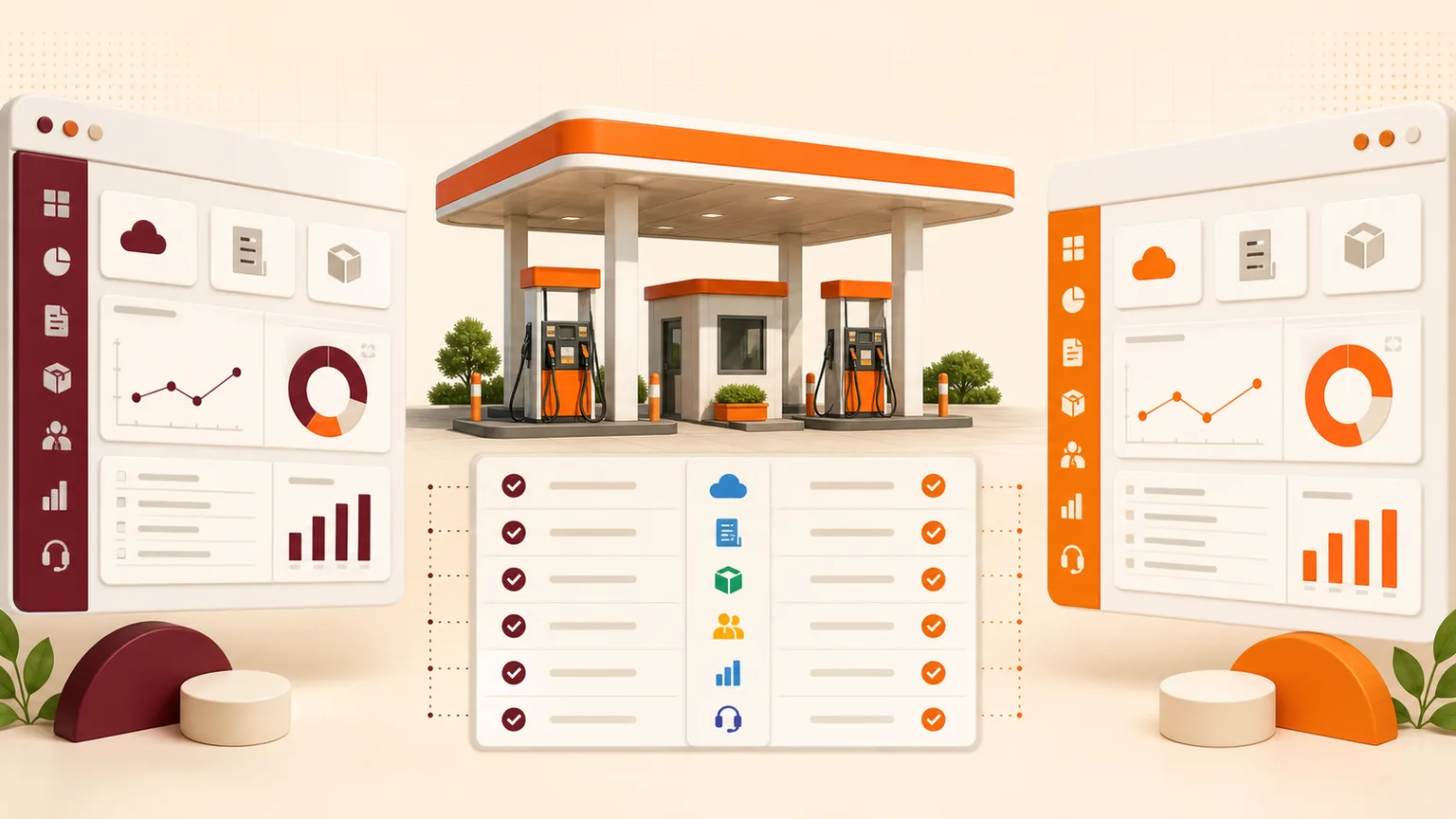
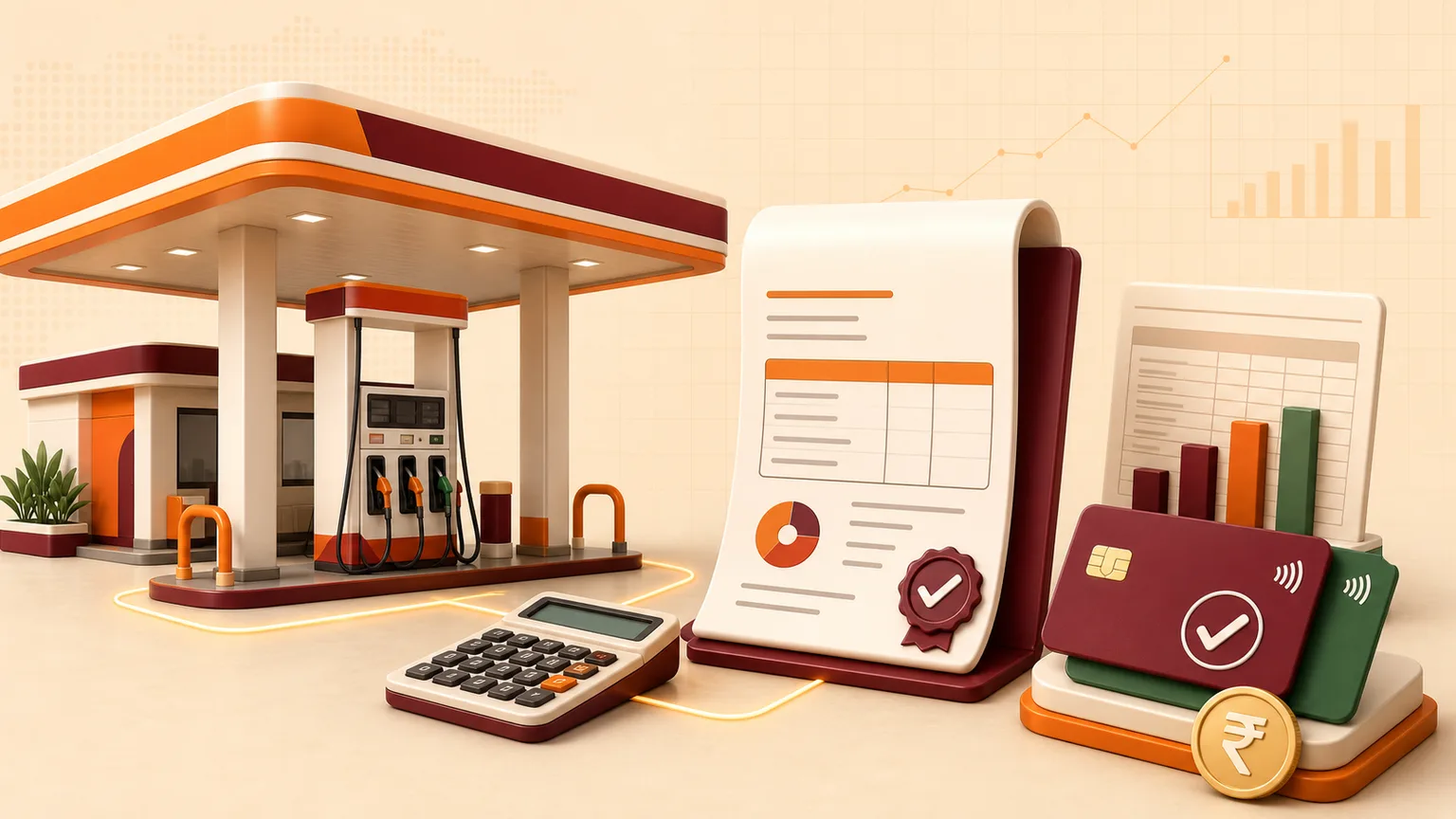
A petrol pump handles many connected transactions every day: nozzle sales, cash, cards, UPI, credit customers, lubricant invoices, fuel receipts, expenses and bank deposits. Petrol pump billing and accounting software brings these records into one structured workflow instead of leaving teams to reconcile multiple registers and spreadsheets.
The objective is not only faster invoicing. A useful petrol pump management system connects the quantity sold with the way money was collected, the customer who owes it and the accounting record management needs.
What is petrol pump billing software?
Petrol pump billing software helps a fuel station record applicable cash and credit sales, create invoices, track payment methods and maintain customer balances. Depending on the outlet, billing can include fuel supplied to account customers, fleet transactions, lubricants, accessories and other taxable items or services.
Billing should connect with shift closing. If nozzle meter readings calculate the physical quantity sold, the system should help the team reconcile that value with cash, card, UPI and credit entries.
What is petrol pump accounting software?
Petrol pump accounting software organises the financial effect of daily station operations. It can cover cashbook and bank records, expenses, customer receivables, supplier transactions and management summaries. The exact setup depends on the accounting depth required and the responsibilities of the outlet’s accountant.
A specialised system differs from generic accounting software because it understands operational concepts such as tanks, products, nozzles, shifts, meter readings, dips, fuel receipts and credit sales.
Essential billing and accounting workflows
Nozzle sales and shift reconciliation
Opening and closing meter readings produce nozzle-wise sales. The shift team can then allocate collections across cash, card, UPI and credit. Differences become visible for review instead of remaining hidden until month end.
Cash, card and UPI collections
Each payment mode should be recorded separately. Managers can compare system totals with physical cash, payment-terminal settlements and bank credits.
Credit and fleet customers
Customer-wise entries, vehicle references, receipts, balances and statements help account customers understand what was supplied and what remains payable. Ageing and outstanding reports support follow-up.
Lubricant and item billing
Lubricants and other items may require stock, quantity, rate, tax and invoice records. Connecting billing with inventory reduces repeated entry and makes item movement easier to trace.
Expenses and cashbook
Daily expenses such as maintenance, utilities, wages or local purchases affect the amount of cash that should remain. Recording them against categories improves cash closing and management reporting.
Bank deposits and reconciliation
Cash deposits and digital settlements should be traceable to bank records. A practical system helps accountants review timing differences and identify missing or unmatched entries.
GST considerations
GST treatment depends on what is sold and current tax rules. The software should support configurable tax settings for applicable goods and services, invoice details and useful tax summaries. Configuration should be reviewed by the business’s qualified accountant; software does not replace tax advice.
Reports owners should expect
- shift-wise and day-wise sales;
- nozzle and product sales;
- cash, card, UPI and credit collections;
- customer outstanding and statements;
- expense and cashbook summaries;
- tank stock, receipts and variance;
- lubricant or item inventory;
- outlet-wise and consolidated performance; and
- exportable information for accounting review.
Cloud versus desktop petrol pump accounting
| Area | Cloud system | Traditional desktop system |
|---|---|---|
| Access | Authorised browser access from supported locations | Usually tied to an installed computer or local network |
| Updates | Managed centrally | May require local upgrades |
| Backups | Can be managed as part of the service | Often depends on local backup discipline |
| Multi-outlet reports | Designed for connected consolidation | May require exports or synchronisation |
| Internet dependency | Requires dependable connectivity | Can support local use depending on the product |
Questions to ask during a software demo
- Show a complete shift from opening readings to final reconciliation.
- Demonstrate cash, card, UPI and credit differences.
- Create a credit sale, receipt and customer statement.
- Record a fuel purchase and show its effect on tank stock.
- Explain user permissions, changes and audit visibility.
- Show owner reports on desktop and mobile.
- Explain implementation, data migration, training, backups and support.
Frequently asked questions
What does petrol pump billing software manage?
It can organise applicable invoices, fuel and lubricant sales, payment modes, credit customers, collections and statements.
Does petrol pump software include accounting?
A configured system can connect cash, bank, expenses, customer balances and management reports with daily fuel-station operations.
Can billing be reconciled by shift?
Yes. Shift closing can compare nozzle sales with cash, card, UPI and credit records.
Can an accountant export reports?
Export requirements should be confirmed during the demo. Esperto can provide practical spreadsheet-compatible reporting according to the agreed configuration.
Connect billing with the physical fuel operation
The strongest petrol pump accounting process starts with reliable operational records. When nozzle readings, tank stock, payment modes, credit and expenses are connected, the owner receives a clearer picture of both fuel movement and money.
Explore Esperto Petrol Pump Management Software, read the cloud petrol pump software guide, or request a personalised demo.