
A petrol pump handles hundreds of small but important transactions every day. Teams record nozzle meter readings, fuel receipts, tank dips, cash, cards, UPI collections, expenses and customer credit. When these records sit in separate registers or spreadsheets, an owner may not see the complete position until hours—or days—later.
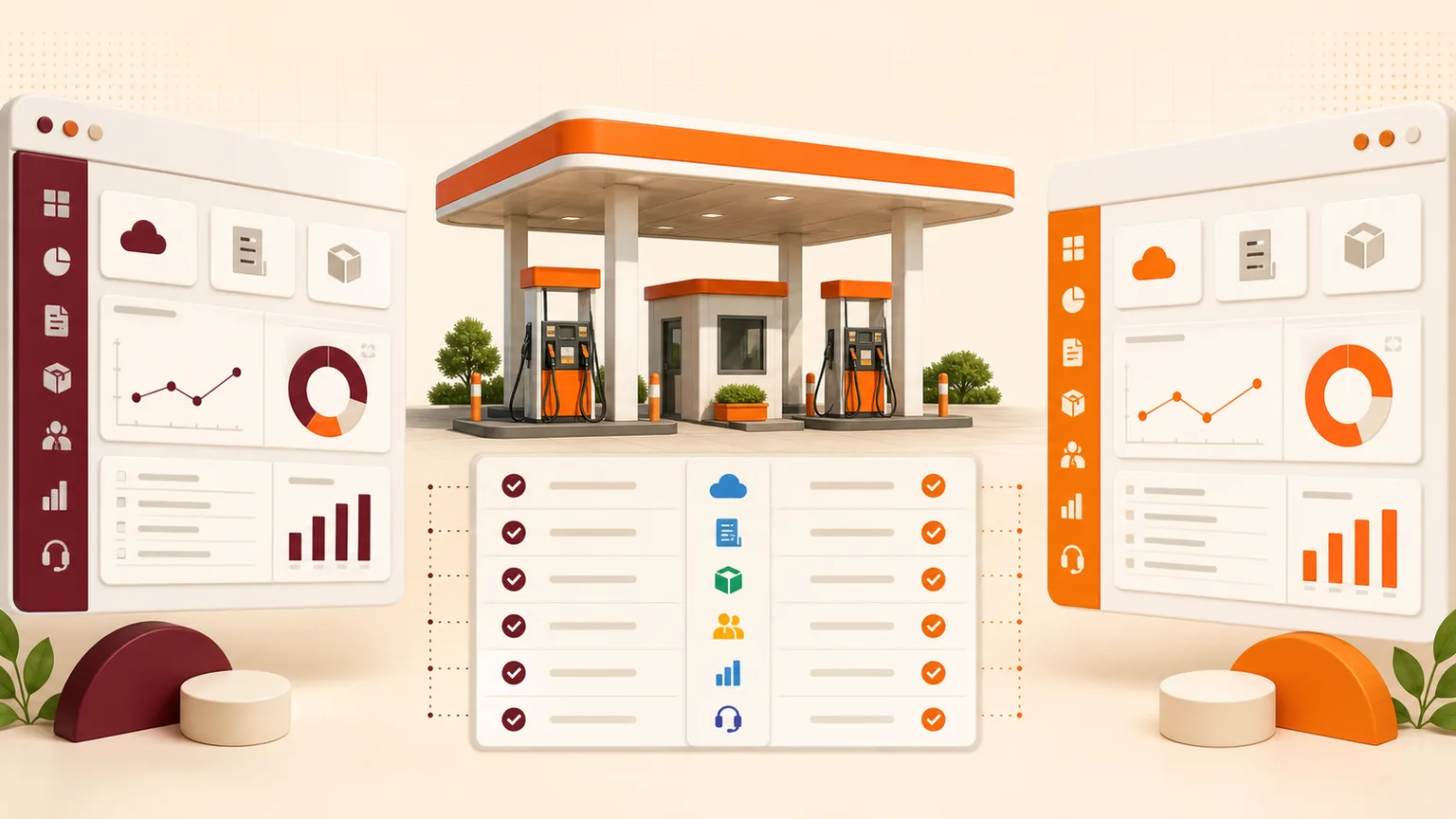
Cloud petrol pump software brings these operating records into one online system. It gives station teams a structured process for daily work and gives authorised owners access to current sales, stock, collections and outstanding credit from wherever they are.
This guide explains how a cloud-based fuel station management system works, which modules matter, how it differs from desktop software and what petrol pump owners in India should ask before implementation.
What is cloud petrol pump software?
Cloud petrol pump software is a web-based business application designed to manage a fuel station’s sales, inventory, shifts, payments, expenses, credit customers and reports. Users sign in through a supported browser instead of relying on a program installed on one office computer.
The word “cloud” describes how the application and its data are hosted and managed. Authorised users can work from different devices and locations, subject to internet availability and their assigned permissions. Updates can be deployed centrally, and managed backups reduce the risk of the only current copy of the business data remaining on a local machine.
A useful system does more than digitise a register. It connects related records. For example, nozzle readings help calculate sales, sales feed shift reconciliation, payment entries explain collections, and fuel receipts and dip readings support stock control. That connection is what makes a petrol pump management system valuable.
Why fuel station owners move to the cloud
Access reports without being at the outlet
An owner should not need to call the manager every time they want a sales or collection figure. Cloud access allows authorised users to review outlet information from an office, home or mobile browser. This is especially useful when one owner manages multiple stations.
Keep every outlet on one current system
Traditional desktop software may require separate installation and maintenance on each computer. A cloud application is updated centrally. Teams use the current version, while the software provider can roll out agreed improvements without visiting every outlet to install an update.
Create a repeatable shift-closing process
Shift closing is easier to verify when opening and closing nozzle readings, calculated sales, cash, card, UPI, credit and expenses are recorded in one workflow. The system can show whether the entered payment position reconciles with the calculated shift activity, allowing staff to check differences promptly.
Protect operational records
A damaged computer, disk failure or misplaced spreadsheet can interrupt reporting. Managed cloud backups provide an additional layer of continuity. This does not remove the need for good security: the provider should still explain user access, backup practices, hosting, support and recovery procedures.
Essential modules in petrol pump management software
Nozzle readings and fuel sales
The system should let a team record opening and closing meter readings by nozzle and shift. It should account for relevant testing or adjustment entries and calculate product-wise sales clearly. Users should be able to trace how a reported figure was produced instead of seeing only a final total.
Tank stock and fuel inventory
Fuel inventory management connects opening stock, receipts, transfers where applicable, sales and physical readings. Recording tank dips alongside system stock helps managers see variance sooner. Software highlights information for investigation; it does not replace calibrated equipment, physical controls or the dealership’s required procedures.
Shift reconciliation
A practical shift module combines nozzle sales with cash, cards, UPI, fleet accounts, other credit and authorised expenses. Staff can close a shift using a consistent sequence, and managers can review the supporting entries rather than rebuilding the day from several registers.
Credit customers and fleet accounts
Many fuel stations serve transporters, businesses and account customers. The software should record customer-wise fuel issues, receipts, balances and statements. Clear outstanding reports help teams follow up on due amounts and answer account questions without searching through handwritten slips.
Billing and GST configuration
A petrol pump billing software setup may cover applicable products, lubricants, services and account-customer documents. Product, tax and invoice settings should be configured for the business’s actual requirements. Owners should confirm the exact billing workflow and statutory reports they need before selecting a system.
Expenses, staff and permissions
Daily operating expenses affect the final cash position. Recording them in the same system improves shift visibility. Separate staff logins and role-based permissions are equally important: a cashier, manager, accountant and owner do not need identical access.
Owner and multi-outlet reports
Good reports answer practical questions. What did each outlet sell today? How much was collected by payment mode? Which customers have outstanding balances? What is the current fuel position? Are expenses or variances changing? A multi-outlet petrol pump software setup should provide both location-level detail and consolidated owner visibility.
Cloud versus desktop petrol pump software
| Area | Cloud software | Traditional desktop software |
|---|---|---|
| Access | Available to authorised users through a supported browser and internet connection | Commonly limited to the installed computer or local network |
| Updates | Deployed centrally by the provider | May require installation on individual computers |
| Multi-outlet reporting | Designed to connect outlet data in one hosted platform | May require manual data exchange or separate databases |
| Backups | Can include managed, scheduled cloud backups | Often depends on the outlet completing local backups correctly |
| Internet dependency | Requires reliable connectivity for normal use | May continue locally when internet is unavailable |
| Cost model | Often subscription, implementation and support based | Often licence plus maintenance, hardware and upgrade costs |
Neither deployment model should be selected on one feature alone. A station with unreliable connectivity needs to discuss operating continuity. A multi-outlet owner who needs remote reports may place greater value on central access. Ask the provider to explain the real workflow, dependencies and support process.
How cloud software can improve daily control
Software cannot prevent every mistake or loss by itself. Its job is to make activity more visible, consistent and reviewable. When implemented well, it can help a petrol pump:
- identify unusual stock variance earlier;
- reduce repeated entry between registers and spreadsheets;
- close shifts with a consistent checklist;
- review cash, digital payments and credit together;
- follow customer outstanding balances more regularly;
- compare outlets using the same reporting structure; and
- give owners faster access to current operating information.
The best results come when the outlet also defines responsibilities. Staff need to know who records readings, who checks receipts, who can edit a closed shift and who reviews exceptions. Technology strengthens a clear process; it does not substitute for one.
Support for HPCL, BPCL and IOCL petrol pumps
Petrol pumps associated with HPCL, BPCL and IOCL share many core operating needs, but each dealership may have its own products, equipment, shifts, internal checks and reporting process. A configurable system can set up tanks, nozzles, product masters, payment modes, customer accounts and user permissions around the outlet.
Owners should avoid assuming that “supports my oil company” automatically means every external system is integrated. Ask which workflows are included in the software and whether any proposed connection to third-party hardware, automation systems or portals requires a separate technical assessment.
Questions to ask before choosing a petrol pump ERP
- Can you demonstrate our complete shift? Ask the provider to show meter entry, payment reconciliation, credit, expenses and closing—not only a dashboard.
- How are fuel receipts and tank readings recorded? Confirm the stock calculation and how users investigate a variance.
- What can each employee see and edit? Review roles, outlet restrictions and controls for closed records.
- How does multi-outlet access work? Check both individual-outlet and consolidated reports.
- Which exports are available? Identify the spreadsheet, accounting or statement outputs your team actually uses.
- What happens when internet connectivity is interrupted? Understand the expected operating process and data-entry plan.
- How are backups and support handled? Ask about backup frequency, recovery, issue reporting and service hours.
- What is included in implementation? Clarify configuration, opening data, training, rollout and post-launch support.
A practical implementation plan
Start by documenting the current daily process. List tanks, products, nozzles, shifts, payment modes, customer types, expenses and the reports management uses. Decide which historical balances and masters need to move into the new system.
Next, configure a representative outlet and test a complete working day. Use realistic readings and payment examples. Check reports with the manager or accountant who normally verifies them. Resolve gaps before adding every user or location.
Training should be role-specific. A shift operator needs a focused daily sequence, while an owner needs reports, controls and exception visibility. After go-live, review the first several closed shifts closely and agree on a support route for questions.
Choose software around the information you need
The right platform should make everyday entries easier for the team and make important information more dependable for the owner. Look beyond a long feature list. Ask to see your actual shift, stock, credit and reporting scenarios in a live demonstration.
Explore Esperto’s cloud petrol pump software for nozzle sales, tank stock, shift closing, credit customers, expenses and multi-outlet reports. You can also request a personalised product demo based on your fuel station setup.