
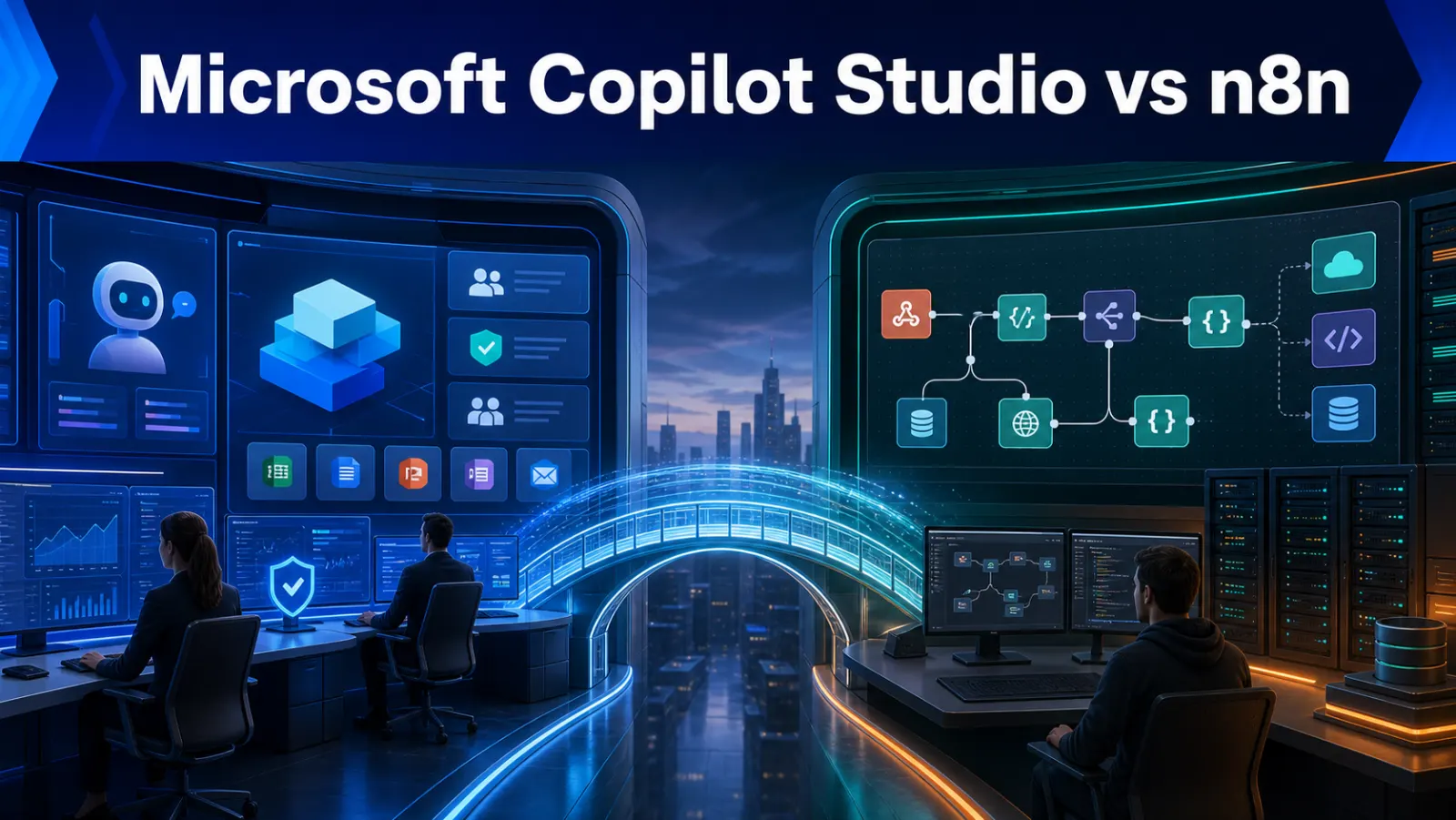
Microsoft Copilot Studio vs n8n compares two products that overlap but begin from different places. Copilot Studio is a graphical low-code environment for building governed agents and agent flows within Microsoft’s ecosystem. n8n is a workflow automation platform that connects APIs, applications, databases and AI models through cloud or self-hosted deployment.
Copilot Studio vs n8n at a glance
| Area | Microsoft Copilot Studio | n8n |
|---|---|---|
| Core identity | Low-code agents and agent flows | Workflow automation and AI orchestration |
| Natural ecosystem | Microsoft 365, Teams, Power Platform and Azure | APIs, databases, SaaS apps and custom infrastructure |
| Deployment | Microsoft-managed cloud environment | n8n Cloud or self-hosted |
| Strongest fit | Governed employee or customer agents | Backend automation and technical integrations |
| Builder | Low-code business and platform teams | Technical operations and developers |
Reviewed 25 August 2026 using official Copilot Studio documentation and n8n documentation.
What Copilot Studio is built for
Microsoft describes Copilot Studio as a graphical low-code tool for building agents and agent flows. Agents combine instructions, knowledge, topics, tools, triggers and language models. They can be published into Microsoft channels and supported external experiences, while connectors and flows let them take action.
This makes it especially relevant for employee help, HR questions, internal policy, sales assistance and customer service in an organisation already governed through Microsoft identity and data systems.
What n8n is built for
n8n begins with workflow orchestration. A trigger starts a workflow that can validate data, call APIs, query a database, invoke an AI model, request approval and update several systems. Conversational agents are possible, but the wider strength is connecting deterministic operations with selected AI decisions.
Connectors and custom systems
Copilot Studio benefits from Power Platform connectors for Microsoft and third-party services, plus custom connectors and MCP support. n8n provides built-in nodes, HTTP requests, webhooks, code and custom nodes. Copilot Studio is often smoother for Microsoft-governed systems; n8n can feel more direct for custom APIs and developer-owned backends.
Agent experience versus automation engine
If the primary interface is a conversation in Teams or a website, Copilot Studio provides a coherent agent-first design and analytics model. If the primary requirement is an invisible backend process—synchronising leads, processing documents or reconciling records—n8n’s workflow-first model may be simpler.
The products can also work together: a Copilot Studio agent may call a governed API or workflow, while n8n handles broader orchestration. Do this only when the operational value justifies two platforms.
Human approval and deterministic controls
Microsoft agent flows support structured actions and human review. n8n workflows can pause for approval and build explicit branches. In either platform, do not let a model independently approve refunds, change permissions, send sensitive records or delete data. Validate inputs and record who approved the action.
Security and governance
Copilot Studio aligns naturally with Microsoft environments, identity, data policies and administration. n8n self-hosting can provide infrastructure and network control, but the customer owns security updates, database protection, secrets, backups and availability. Compare access boundaries, audit evidence, environments, retention and incident ownership.
Pricing and total ownership
Copilot Studio billing can depend on messages, capabilities, licences and the way employees access an agent. n8n Cloud uses execution-based tiers, while self-hosting introduces infrastructure and operations costs. Estimate one complete business transaction: agent messages, model usage, connectors, workflow runs, premium systems and human support.
Choose Copilot Studio when
- Microsoft 365 and Teams are the employee workspace.
- Power Platform connectors cover the required systems.
- Central Microsoft governance is a primary requirement.
- The product is mainly a conversational employee or customer agent.
Choose n8n when
- Custom APIs and database workflows dominate.
- Self-hosting or private-network access is required.
- Developers want granular orchestration and code.
- The process is primarily backend automation rather than conversation.
Final verdict
Copilot Studio is the stronger default for Microsoft-centred enterprise agents. n8n is the stronger default for flexible, technical, cross-system automation. Start from architecture and governance, not from the chatbot canvas. Read our n8n implementation guide, explore a wider AI automation project or request a consultation.
Frequently asked questions
Can n8n replace Copilot Studio?
For some workflow automations, yes. It is not a direct replacement for every Microsoft-governed agent and Teams experience.
Can they integrate?
Yes, through supported APIs, connectors, webhooks or MCP patterns, subject to authentication and policy.
Which is easier?
Copilot Studio is often easier for Microsoft platform teams; n8n is often easier for developers integrating diverse APIs.