
To create an online store website that produces real orders, you need more than an attractive homepage. Products must be organised clearly, checkout must feel trustworthy, payments must be recorded correctly and the business needs a manageable process after every sale.
This guide explains how to create a website to sell products, whether you use a self-service online store builder or hire a developer. It focuses on decisions a small business should make before spending money.
1. Define what your online store will sell
Begin with a manageable catalogue. List each product’s name, category, price, description, photographs, stock status and options such as size, colour or material. Decide whether every variation has its own price or stock quantity. Clean product information makes development faster and gives customers fewer reasons to abandon the page.
Also define where you will sell. Shipping to one city is different from delivering across India. Products that are fragile, perishable, regulated or unusually heavy may need special rules. Confirm these restrictions before configuring checkout.
2. Choose between a website builder and a developer
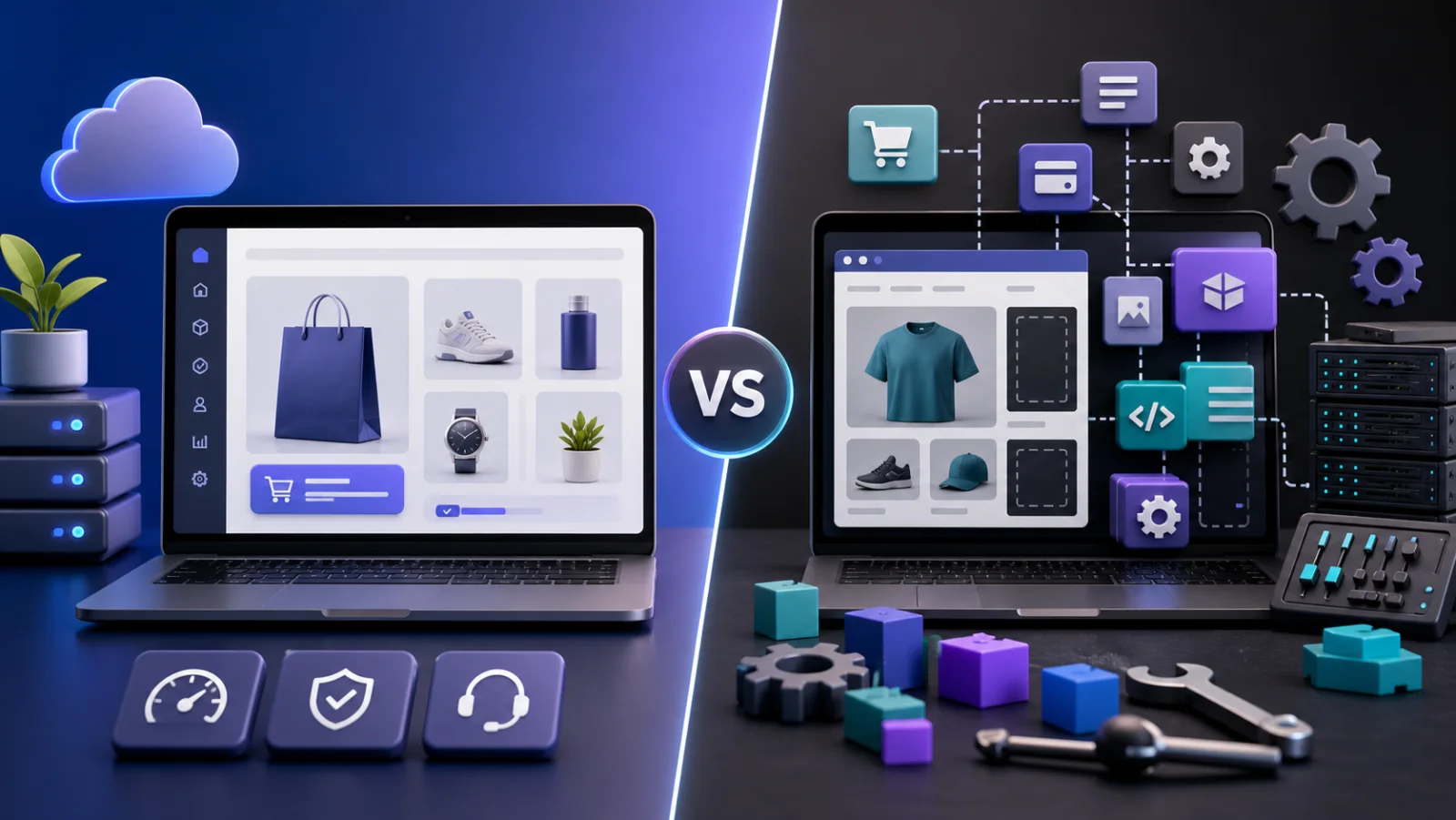
A DIY online shop builder gives you templates and controls that you configure yourself. It can suit someone willing to learn the platform, prepare every page and manage technical settings. A professional developer is useful when you want someone to translate business requirements into a completed store, configure integrations and help test the result.
| Approach | Best suited to | Remember |
|---|---|---|
| DIY builder | Hands-on owners with time to learn | Subscription, apps, themes and your own setup time |
| Open-source platform | Teams with technical support | Hosting, updates, security and maintenance |
| Done-for-you development | Businesses wanting implementation support | Confirm scope, ownership and ongoing costs |
| Custom commerce | Unique B2B, marketplace or operational needs | Higher planning, build and maintenance investment |
3. Register a domain and arrange hosting
Your domain is the store’s web address. Choose a short, memorable name that belongs to the business. Hosting is the infrastructure that serves the website and stores application data. Ask who controls both accounts, how renewals work, whether SSL is enabled and how backups are handled. A low launch price does not automatically include domain and hosting.
4. Plan categories and product pages
A customer should reach the right product without guessing. Use categories based on how people shop, not internal warehouse terminology. Product pages should answer the questions that influence a purchase: what it is, who it is for, available options, dimensions, material, price, delivery expectations and return conditions.
Use original photographs where possible. Compress images so they remain sharp without slowing mobile pages. Avoid copying manufacturer or competitor descriptions when you can provide useful first-hand details.
5. Configure cart, checkout and payments
The cart should show selected variants, quantities and the order total. Checkout usually collects contact, delivery and payment information. Ask only for data you need. In India, a suitable gateway may provide UPI, cards and net banking subject to provider approval and fees. Cash on delivery can be offered when it matches your fulfilment process.
Payment gateway integration may be included in a development package while gateway transaction charges remain payable to the provider. Confirm this distinction in writing.
6. Decide how orders will be fulfilled
Document what happens after an order arrives: who verifies payment, packs the product, creates a shipment, updates status and handles cancellation or return requests. A starter store can use simple manual fulfilment. Growing volume may justify courier APIs, labels, automated notifications and inventory integrations.
7. Give customers the right account features
Registration, login and order history are useful basics. Wishlist, reviews, downloadable invoices, saved addresses and loyalty features are optional rather than universal requirements. Start with the functions customers will genuinely use and add complexity when there is evidence for it.
8. Prepare essential trust pages
- About and contact information;
- shipping and delivery policy;
- returns, refund and cancellation policy;
- privacy policy and terms;
- accurate pricing and availability; and
- secure HTTPS browsing.
Policies should reflect your actual operation and applicable requirements. A template is not a substitute for suitable professional advice.
9. Test before launching
Test on common mobile and desktop screen sizes. Place successful and failed payment orders, use different variations, check form validation, verify confirmation pages and review what appears in the admin dashboard. Check links, contact details, policy pages and analytics. Do not discover the fulfilment workflow with the first real customer.
10. Build search visibility after launch
Use descriptive page titles, helpful product copy, crawlable links and fast images. Submit the sitemap in Google Search Console and monitor indexing. Publish useful category and buying content based on customer questions. Search visibility takes continued work; launching a website alone does not guarantee rankings.
What does it cost to make a website to sell products?
Cost depends on catalogue size, design, checkout, shipping, promotions, integrations and support. Esperto’s limited ₹4,999 Starter Store includes the published basic scope, up to ten product uploads, payment integration, accounts, order history, variations and a simple admin. Domain, hosting, third-party fees and advanced functions are separate.
Frequently asked questions
Can I create an online store without coding?
Yes. You can use a self-service builder or engage a developer. With a developer, you still need to provide accurate products, policies and business decisions.
How many products should I launch with?
Launch with a catalogue your team can maintain accurately. A focused store with complete information is better than hundreds of incomplete listings.
Do I need a payment gateway?
You need a method to collect payment. This may include an online gateway, cash on delivery or both, depending on the business.
Can the store grow later?
Yes, if the platform and implementation are selected with future requirements in mind. Discuss likely integrations and scale before development begins.
Ready to move from planning to launch? Configure your online store and request a quote. You can also compare the best e-commerce website builder options for small businesses.