
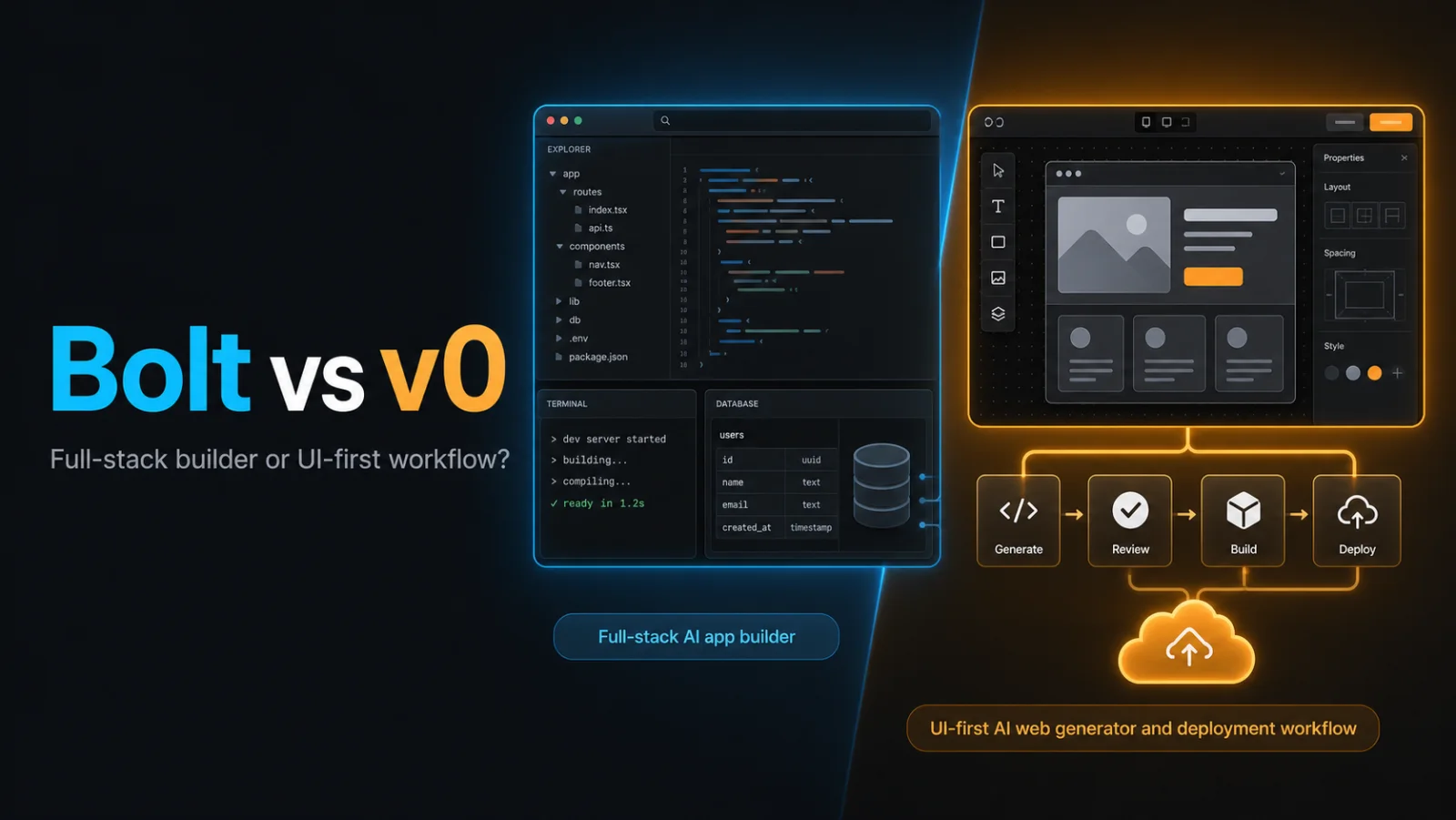
Bolt vs v0 is not simply a contest between two prompt boxes. Bolt is built around generating and running applications in a browser development environment. Vercel’s v0 is a pair programmer for generating UI and code with a particularly direct path into the Vercel deployment ecosystem.
Bolt vs v0 at a glance
| Area | Bolt | v0 |
|---|---|---|
| Core experience | AI development environment in the browser | AI pair programmer for UI and full-stack web projects |
| Strength | Visible files, packages, runtime and full-stack iteration | Fast interface creation and Vercel-connected workflow |
| Deployment | Deployment options and integrations depend on project setup | Anything created in v0 can be deployed to Vercel |
| Data services | Connects with supported external backend services | Vercel Marketplace integrations include databases and storage |
| Best user | Builder wanting a browser IDE experience | Designer-developer or product team prioritising web UI |
Reviewed 7 August 2026. Verify Bolt pricing, v0 pricing and any separate hosting costs.
What Bolt is designed to do
Bolt combines natural-language generation with an in-browser development environment. It can create project files, install packages, run a development server and show the live application. This can make the transition from “build an app” to debugging an actual runtime more direct than a tool focused mainly on static mockups.
The same flexibility creates responsibility. Package choices, generated business logic, environment variables and database access still need review. Token consumption can increase as a project grows because more filesystem context may be synchronised with the AI.
What v0 is designed to do
Vercel describes v0 as a pair programmer that generates code and UI from natural language. Its documentation says it can build landing pages, blogs, chatbots and full-stack apps, and anything created with v0 can be deployed to Vercel.
v0 is especially attractive for React and modern web-interface workflows. Teams can use it to explore a page, generate components, iterate visually and connect the project to the surrounding Vercel platform. Its full-stack documentation describes integrations with services such as Supabase, Neon and Upstash through the Vercel marketplace.
UI quality and component workflow
v0’s clearest differentiation is its UI-first heritage. It is useful when a team needs a polished starting point for a dashboard, landing page, form or component system that will live in a modern React application.
Bolt can also create sophisticated interfaces, but the interaction is framed by the whole application environment. That may be preferable when visual work immediately depends on routes, packages, APIs and runtime behaviour.
Choose v0 for focused component and interface generation. Choose Bolt when the UI is one part of a broader browser-based coding session.
Full-stack development
Both tools now reach beyond static frontend generation. Bolt can work with application files and backend integrations from its browser runtime. v0 can generate full-stack applications and use Vercel marketplace integrations for databases, queues, storage and AI services.
Neither eliminates architecture decisions. Before production, confirm:
- where server code runs;
- which database owns the source of truth;
- how authentication and authorisation differ;
- how secrets are stored;
- how schema changes are migrated; and
- what happens when an external integration fails.
Deployment and ecosystem
v0 has a natural advantage when the organisation already uses Vercel. Preview deployments, environment management and supported marketplace services can create a coherent path from generation to hosting.
Bolt provides flexibility through its generated project and supported integrations. That can be useful when the desired stack or hosting destination is not centred on Vercel. However, confirm the current export and deployment workflow for the framework you choose.
GitHub and team development
For serious work, connect generated code to version control. Use branches, pull requests, automated checks and human review. A shareable preview is helpful, but it is not a substitute for a repository history and controlled releases.
Evaluate how each tool handles changes made outside its interface. A two-way workflow matters if developers continue locally while designers or product managers use the AI builder.
Pricing and hidden costs
AI-generation plans are only the first line item. Bolt usage can depend on tokens and project context. v0 usage is separate from any Vercel infrastructure consumed by the deployed application. Databases, bandwidth, image optimisation, functions, email, monitoring and third-party APIs may each create additional costs.
Create a small production-cost model before launch. Record expected users, requests, storage, data transfer, AI calls and background jobs. Then compare that model with each vendor’s current calculator and plan terms.
Who should choose Bolt?
- Users who want code generation and a functioning development runtime together.
- Builders who value file, package and terminal visibility in the browser.
- Teams exploring stacks or hosting paths beyond one deployment ecosystem.
- Rapid full-stack prototypes that need immediate runtime feedback.
Who should choose v0?
- Teams prioritising polished web UI and reusable components.
- Next.js or React projects already deployed on Vercel.
- Design-to-code workflows that need fast visual iteration.
- Projects that benefit from Vercel marketplace integrations.
Final verdict
Bolt is the better conceptual fit for an AI-driven browser IDE; v0 is the better conceptual fit for UI-first generation connected to Vercel. Both can cross those boundaries, so test the exact application you want to build. Compare code clarity, accessibility, data security, deployment cost and the effort required after the impressive first demo.
For another browser-based full-stack comparison, read Lovable vs Bolt.