
AI-assisted development can get a website to a working first version quickly. Client handover needs evidence that the finished product behaves correctly, can be maintained and is ready to operate. Whether your team uses Codex, Claude Code or another coding assistant, the final review should examine the application itself: its design, permissions, data, integrations and deployment.
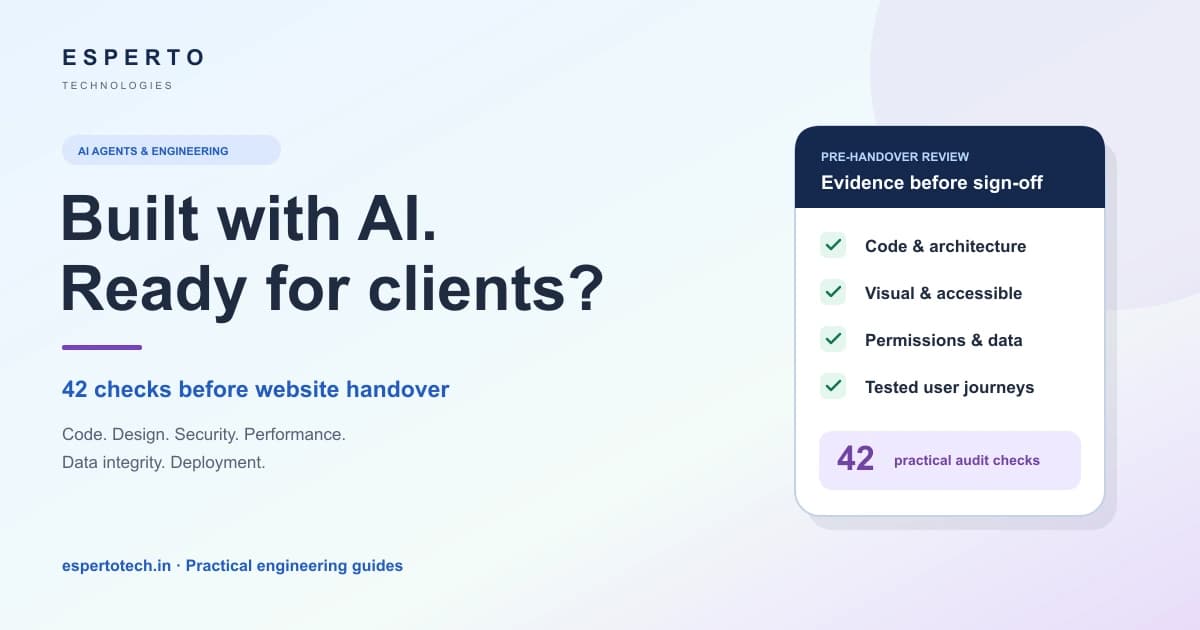
This guide proposes a 42-point post-AI website audit for teams preparing a client delivery. It is an engineering checklist, not a claim that Esperto has audited a particular project or that completing it guarantees security.
Review the product, not whether it “looks AI-generated”
A repeated card layout or awkward variable name is a reason to investigate quality, not proof of how code was written. Equally, polished screens do not prove that permissions, payments or backups work. Avoid treating a detector score or a visual impression as a complete account of authorship.
The useful goal is to remove unfinished work, unsupported assumptions and avoidable defects. Preserve required attribution, licences and accurate development records. Follow applicable client agreements and disclosure requirements; an audit should not be used to disguise how a project was produced.
Define the release before running the checklist
Write down the commit or release identifier, environment, approved requirements and critical user journeys. For a lead-generation site, a journey might run from the contact form to a stored enquiry and a delivered notification. For a client portal, include a user trying to access another user’s records. For a shop, include payment retries, stock changes and order confirmation.
Give every applicable check a status: passed with evidence, failed with an owner, blocked with a reason, or not applicable with an explanation. A fresh brochure site and a multi-tenant billing application need different depth. Scope testing to systems you own or are authorised to assess, and use approved test data and payment sandboxes.
The 42-point pre-handover website audit
The six groups below contain seven checks each. They are a practical starting point, not a substitute for project-specific acceptance criteria, an accessibility assessment or a specialist security review where needed.
Code quality and architecture
- Remove unused components, imports, files and dependencies after checking that runtime code does not depend on them.
- Consolidate duplicated logic and simplify abstractions that add complexity without a clear purpose.
- Remove debugging output and abandoned experiments; preserve useful production diagnostics without logging secrets.
- Check names, module boundaries and folder structure against the project’s conventions.
- Keep presentation, business rules and API access separated where that improves testing and maintenance.
- Read generated code for incorrect assumptions, fabricated APIs, brittle shortcuts and maintainability.
- Run the repository’s lint, type-check and production-build commands; record failures and commands that could not run.
UI, accessibility and visual quality
- Compare key screens with approved designs and real user tasks; replace inappropriate template patterns without redesigning agreed work.
- Use consistent typography, spacing, colours, icons and component states across the site.
- Check desktop, tablet and narrow mobile layouts, long content, orientation changes and zoom.
- Replace placeholder copy, fake testimonials, temporary images and demo-only data with approved material.
- Test animations and interactions with reduced-motion preferences and ordinary input devices.
- Use the keyboard to navigate menus, dialogs and forms; inspect focus visibility, labels, errors, contrast and meaningful image alternatives.
- Exercise navigation, buttons, search and forms, including loading, empty, success and error states.
Application security
- Check authentication, session expiry and role permissions, including requests made directly to the API.
- Review query construction, output handling and applicable CSRF protections; verify suspected injection issues with controlled tests.
- Validate input on the server and check ownership of each record before permitting access or changes.
- Inspect tracked files, client bundles and configuration for exposed credentials; revoke or rotate confirmed exposed secrets.
- Review dependency advisories and assess exploitability in this application before choosing upgrades or mitigations.
- Check production cookie settings, response headers and CORS against the actual deployment and authentication model.
- Test upload restrictions, rate limits and error responses so malformed requests do not expose data or bypass controls.
Search visibility and performance
- Review page titles, descriptions and heading structure for the actual content and intended audience.
- Check canonicals, robots directives and sitemap entries on the production hostname.
- Validate applicable structured data and inspect the image, title and description used when sharing the URL.
- Optimise images, fonts and JavaScript where measured loading or rendering behaviour justifies the change.
- Measure performance on representative pages and devices, separating lab measurements from available field data.
- Confirm important content and navigation are rendered in a way search engines can access; inspect representative rendered pages.
- Check internal and external links, redirects, missing pages and accidentally indexed staging URLs.
Functionality and data integrity
- Test each critical journey from a user’s starting point through the expected persisted result.
- Verify forms, payment flows, email delivery and integrations in approved test environments before controlled production checks.
- Check constraints, indexes and transaction boundaries for the business operations they protect.
- Exercise empty datasets, slow services, invalid input and partial failures, not just successful submissions.
- Test simultaneous requests, repeated clicks and duplicate or delayed webhook deliveries where applicable.
- Restore a backup in an isolated environment and verify the restored application can read and use the data.
- Inspect logs, queues and scheduled jobs to confirm background work completes and failures reach the responsible team.
Deployment and client handover
- Confirm production environment settings and store secrets using the hosting platform’s appropriate controls.
- Remove or restrict debug routes, test accounts, staging features and development-only configuration.
- Configure health monitoring, error alerts and backup ownership; verify that alerts reach the intended recipient.
- Check HTTPS, DNS and domain routing for both the frontend and any API or asset hosts.
- Write deployment and rollback steps, distinguishing a code rollback from database recovery.
- Hand over access through secure invitations or an approved password manager; document ownership without publishing passwords.
- Reconcile acceptance criteria, open issues and test evidence, then obtain named client or project-owner sign-off.
Collect evidence that someone else can reproduce
A useful finding names the affected route or file, the preconditions, the steps taken, the observed result and the expected result. Include the environment and release identifier. Keep sensitive payloads, tokens and customer data out of shared reports.
For example: “A signed-in customer can request another customer’s invoice by changing its ID” is a concrete access-control finding. A screenshot of the admin dashboard loading is not evidence that invoice access is protected. Verify the failure with authorised test accounts, fix the server-side ownership check, and retain a regression test.
Record exact commands and their outcomes. If a test could not run because credentials or a service were unavailable, mark it blocked. Do not translate a successful build into “all features tested,” or a local screenshot into “production verified.”
Choose tools by the question they answer
- Static checks: use the repository’s ESLint and TypeScript checks for JavaScript projects, or relevant PHPStan and Laravel Pint commands for PHP projects. A clean result does not validate the business rules.
- Security verification: map relevant checks to OWASP ASVS, a framework of application security requirements. Dependency audits and tools such as Semgrep or OWASP ZAP can inform a review, but findings need validation and scans need an authorised scope.
- Browser workflows: use Playwright assertions to check outcomes such as a visible confirmation or saved record. Use screenshots for visual comparison, alongside functional assertions.
- Performance: PageSpeed Insights distinguishes controlled lab diagnostics from real-user field data when available. Record the tested URL and conditions, and avoid treating a single score as a guarantee.
- Accessibility: combine automated checks with keyboard, zoom and assistive-technology review appropriate to the scope. W3C’s Easy Checks are an initial review and explicitly do not establish comprehensive accessibility.
Use tools already supported by the project before adding another dependency. A short set of trustworthy checks is more useful than a long list of scanners nobody can interpret.
A reusable prompt for an AI-assisted website review
Give the reviewer the actual repository and acceptance criteria. Replace the bracketed fields below, and provide only the environment access needed for the agreed review. This prompt requests work; it is not evidence that the work has happened.
Review this website for production readiness against [acceptance criteria] in [approved test environment]. Start by reading repository guidance and identifying the actual stack, architecture, critical workflows and test commands.
Inspect code quality, maintainability, visual consistency, responsive behaviour, accessibility, authentication, authorisation, input validation, data integrity, integrations, performance, search metadata and deployment configuration.
Look for unfinished features, placeholder content, duplicate logic, unsupported API assumptions, exposed secrets and dependencies with relevant security advisories. Verify each suspected issue against the implementation before reporting or fixing it.
For each finding, give severity, affected file or route, reproduction steps, expected and observed behaviour, and likely user impact. Distinguish confirmed issues from questions that need more evidence.
Fix verified issues within the authorised scope. Preserve business requirements, approved designs, legitimate functionality, git history, required attribution and licence notices. Do not rewrite working areas merely to simplify the review.
Add or update meaningful tests for affected critical workflows. Run available checks and the production build. Inspect important pages at desktop and mobile sizes if browser access is available. Do not run destructive tests or modify live customer data.
Return the findings, changes, exact check results, blocked checks, remaining risks and a release recommendation. Never invent passing results. Escalate unresolved high-impact issues to the responsible human reviewer.
Use a separate review pass, then a human release decision
After the implementation pass, use a fresh review session or a different reviewer who can inspect the repository without relying on the developer’s summary. Treat the idea that this may catch overlooked assumptions as a review practice, not a promise of independent assurance. A different AI session can still make the same mistake.
Ask the reviewer to read requirements and reproduce failures. Then have a person review the important changes, inspect the final screens and exercise the workflows the client will actually use. Higher-risk applications may need a qualified security or accessibility specialist.
Decide what can ship
A useful release recommendation separates issues that block delivery from improvements that can be scheduled. A verified permission bypass, lost payment record or exposed production credential should stop the affected release until addressed. A minor spacing inconsistency usually belongs in a lower-priority queue, subject to the agreed design criteria.
Record the owner, impact and planned resolution for each accepted limitation. Ensure the client knows what was tested, what remains uncertain, how support works and how the previous release can be recovered. “Ready” should refer to an agreed scope and evidence, not a claim that no defects can exist.
For selected local source checks, try our free Code Handover Scanner. It reports rule-based findings and previews limited debugger cleanup; it does not perform the complete audit described above.
For supporting resources, use Esperto’s software project checklist library and meta tag analyser. For implementation support, explore our web application development services or discuss a website review with Esperto.
Sources and review date
Reviewed 25 October 2026. The checklist and review prompt are Esperto’s editorial recommendations. Reference material: OWASP Application Security Verification Standard, Google’s PageSpeed Insights documentation, Playwright assertions documentation and W3C WAI Easy Checks. Tool capabilities and project requirements should be checked before use.