
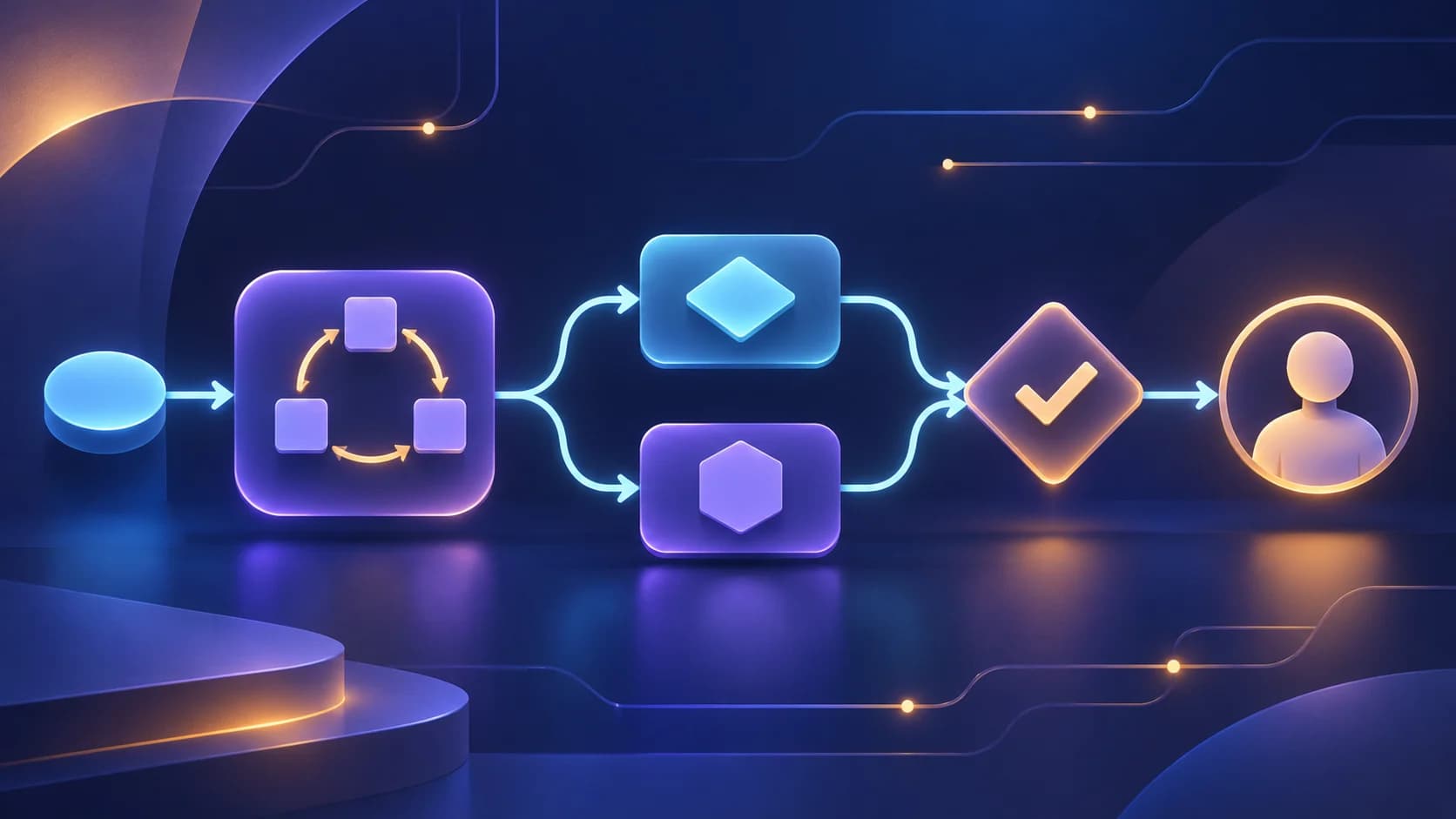
An AI workflow needs a way to check a task and a way to decide what happens next. A retry loop can help improve one bounded result. A workflow graph can route work between tasks, run independent steps together, and stop for review. Many systems need both, but neither guarantees a correct result by itself.
This guide shows how to choose the simplest useful design, using a product-catalogue import as an example. The same questions apply to document processing, customer support and software delivery.
Written by Esperto Technologies · 24 November 2026. The catalogue example is illustrative; it is not a measured deployment or performance claim.
Start with the work, not the agent count
Before adding agents or a workflow framework, write down the outcome the system must produce. For a catalogue import, it might be: “Create a draft product record for every valid supplier row, flag incomplete rows, and do not publish without approval.” That statement gives the team something concrete to test.
Anthropic describes several common ways to compose model calls, including sequential workflows, parallelization and evaluator–optimizer loops. Its guidance is to match the pattern to the task and add complexity only when it improves the result. A fixed sequence may be enough when each step has a known input and output. A graph becomes useful when the workflow needs branches, parallel work, state or return paths. Anthropic’s overview of agent workflows explains these patterns in more detail.
What does a retry loop do?
A retry loop gives one task a bounded way to respond to a failed check. For example, an AI system could draft a product description, then a validator could check that it stays within a word limit and contains no unsupported specifications. If the check fails, the draft can return for correction with the failure and relevant evidence.
The check defines what the loop can improve. A word-count rule is straightforward to verify with code. A factual claim may need comparison against a trusted product record. A second model saying that a draft “looks good” is not independent proof that its claims are true.
Loops also need a stop condition. Set a maximum number of attempts, a time or cost budget, and a path for unresolved work. The appropriate limit depends on the task; three attempts is not a universal rule. When a check keeps failing, sending the item to a person may be safer and cheaper than repeating the same call.
What does a workflow graph add?
A graph represents the tasks and the relationships between them. A node is a task, such as validating a row or drafting a description. An edge means that one task supplies information or control flow to another. Graphs can also express branches, parallel steps, and loops. LangGraph’s documentation describes graphs using state, nodes and edges, including conditional routing and parallel execution.
For the catalogue import, the workflow might look like this:
- Read and normalize: parse the spreadsheet and convert values into a consistent format.
- Validate required fields: use deterministic rules to identify missing identifiers, prices or categories.
- Route each row: send valid rows to the drafting path and incomplete rows to an exception queue.
- Draft and check: create descriptions, compare claims with supplied product data, and return only failed items for correction.
- Review and publish: prepare records for an authorised person to approve before they appear in the live catalogue.
Some checks can run independently. For example, validating an SKU format does not need to wait for a description draft if neither result depends on the other. But do not parallelize steps just because they can be drawn next to each other: the outputs must be mergeable, and shared resources or rate limits may still require coordination.
Put a loop inside a task; use the graph to coordinate tasks
A useful design distinction is that a task may run its own check-and-correct cycle, while the surrounding workflow decides which task runs next and what to do with its result. The loop improves a particular unit of work. The graph coordinates the larger job.
This framing was prompted in part by a discussion from Hanako on X. The architectural ideas are also covered in the primary documentation linked in this article; the product-catalogue example and implementation guidance here are Esperto’s own.
In the example, a failed description check should return the affected product row for another draft. It should not automatically restart every row in the import. Include the item identifier, failed condition, supporting evidence and the correction scope so that the next attempt knows what needs attention.
Choose review gates by impact and reversibility
Not every task needs the same approval process. A draft description that is saved privately is easy to replace. Publishing thousands of product records, changing a price, or sending a customer message has a larger impact. Design the gate around what the system is about to do, not around a model-generated confidence score alone.
- Low impact and easy to undo: allow the workflow to prepare a draft, while recording the check results.
- Broader or shared changes: require deterministic validations and a review of the exact batch before applying it.
- External or hard-to-reverse actions: require an authorised person to approve the specific action and its consequences.
Keep approval attached to an exact version of the proposed change. If the data changes after review, request approval again. That makes it clear what the person approved.
Does a workflow learn from each run?
Not automatically. A system can store execution history without changing how it behaves next time. To make a later run better, a team must review failures and deliberately turn a confirmed lesson into something persistent: a new validation rule, a test case, a routing condition, or a change to the task instructions.
Keep that update under human review. A single unusual failure should not become a permanent rule without checking whether the cause is understood and whether the rule would break valid cases. Measure whether the change reduces the same failure in later runs.
A short design checklist
- State the desired outcome and what evidence will count as completion.
- Use code for exact transformations and checks where a rule can be stated clearly.
- Add a model retry only when feedback can guide a meaningful correction.
- Draw a graph when work needs branches, independent parallel steps, shared state, or a path back from failure.
- Return only the failed unit, with its evidence and correction scope.
- Set attempt, time and cost limits, plus a human handoff for unresolved work.
- Require approval for consequential actions and record exactly what was approved.
- Review repeated failures before changing future runs.
For a deeper look at the surrounding controls, see our guides to AI agent harness engineering and agent harness architecture. They cover task contracts, state, permissions and evaluation in more detail.
Frequently asked questions
Do all AI agents need a graph?
No. A single model call or a short, fixed sequence may be easier to understand and maintain. Add graph structure when the task actually needs routing, dependencies, parallel work or recovery paths.
Can an AI agent verify its own work?
It can participate in a review loop, but the check should use evidence that is as independent and testable as practical. Model review can help identify issues; it cannot guarantee correctness.
Will parallel agents always finish faster?
No. Parallel steps can reduce waiting when they are independent, but they may add coordination, merging, compute cost or rate-limit pressure. Measure the whole workflow on representative tasks.
How many retries should an agent get?
Choose a limit based on task risk, latency and cost. Stop sooner when retries repeat the same failure, produce conflicting results, or approach a consequential action without reliable evidence.
Planning an AI workflow?
Start with one repeatable task, its evidence of success, and the point where a person should take over. Esperto helps businesses scope and build AI automation and workflow solutions.
Sources and review date
Primary sources: Anthropic, “Building effective AI agents”; LangGraph Graph API overview. Concept inspiration: Hanako’s “Loops and Graphs” post on X, 23 August 2026. Reviewed 24 November 2026. Framework APIs and provider capabilities can change; consult current documentation before implementation.